Find your starting point
Intro to Copilot in Excel covers AI-assisted formulas, data cleaning, summaries and natural-language charts. Advanced Data Analysis & Visualization with Copilot in Excel moves into statistical work, external data, pivots, charts and explaining findings. It lists 22 assignments and requires a Copilot licence.
Microsoft Copilot for Excel: AI-Powered Data Analysis focuses on setup, formulas, sorting, pivots and advanced help, with project files and five assignments. Microsoft Copilot for Excel from LinkedIn Learning adds a corporate HR example, exercise file and Python analysis. Pick the course whose level and practice fit the work you want to do.
Some course pages link a 30-day trial. Other plan requirements are less clear. Keep row checks and totals in your workflow, and confirm your tenant, subscription, region and Excel version before relying on an embedded Copilot exercise.
Make sense of a spreadsheet
- 01Start with
A small table of expenses
- 02Make a first pass
Clean data + a useful formula
- 03Make it yours
Check row counts and totals
Use a fictional example to practise the workflow.
Compare the courses
| Course | What you’ll do | Time | Cost and access |
|---|---|---|---|
| Intro to Copilot in Excel365 Careers |
|
|
|
| Advanced Data Analysis & Visualization with Copilot in ExcelMicrosoft |
|
|
|
| Microsoft Copilot for Excel: AI-Powered Data AnalysisMaven Analytics |
|
|
|
| Microsoft Copilot for ExcelLinkedIn Learning |
|
| See course page for pricing. |
Take a closer look
Intro to Copilot in Excel
Use Copilot in Excel for formulas, data cleaning, profiling and natural-language charts, then compare AI suggestions with regular Excel methods.
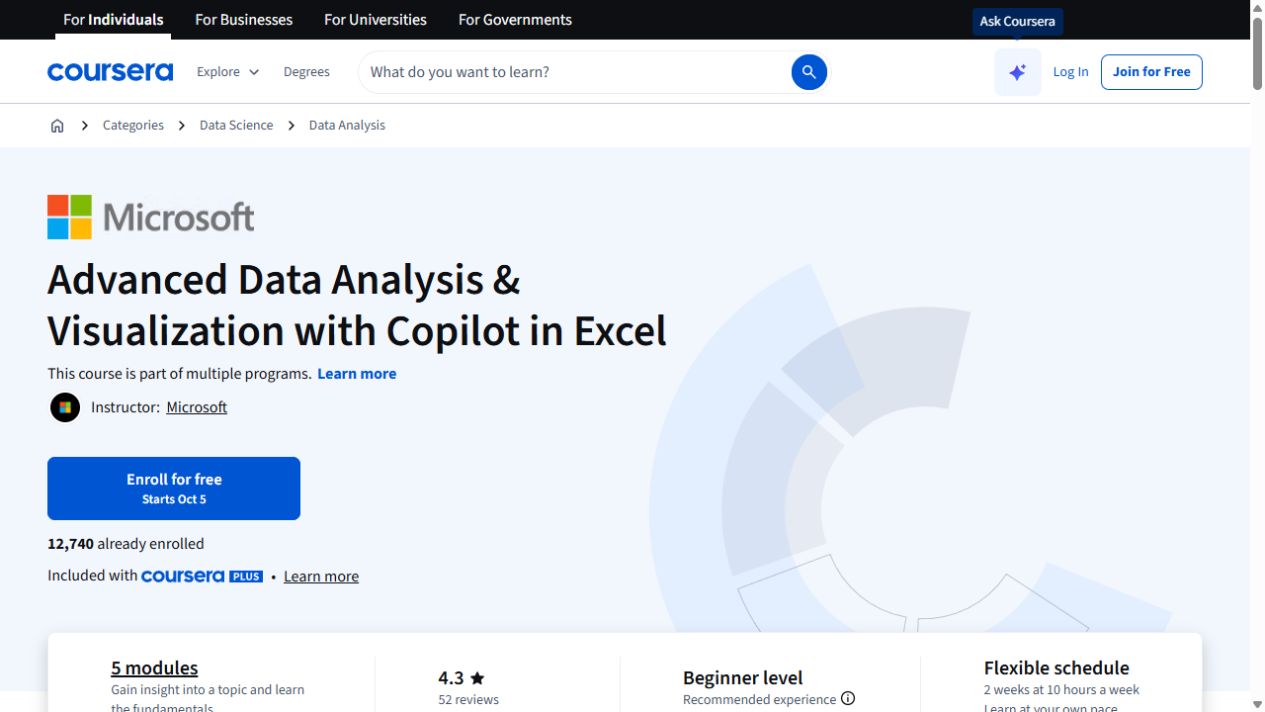
Advanced Data Analysis & Visualization with Copilot in Excel
Go further with Copilot in Excel: work with external data, explore statistics and build pivot visualizations.
Microsoft Copilot for Excel: AI-Powered Data Analysis
Use Copilot in Excel for formulas, sorting, highlighting and pivot analysis, with setup and feature limits covered.
Microsoft Copilot for Excel
Use Copilot in Excel for formula columns, sorting, pivot analysis and Python-assisted work, with setup requirements explained.
Try this before you choose
Choose a small table and write down the expected formula, cleaned field, pivot or chart before opening Copilot. Ask which account and Excel version the course uses, then match its assignments or practice files to a manual check.
You might also find these helpful
Get spreadsheet data ready for AI
Before using AI to analyze a spreadsheet, check whether the data is complete and consistent. Cleaning is different from interpreting results. Preserve the…
Find your starting pointAI training for executive assistants
If you support a leader, a team or clients, start with the work you handle each week: inbox, calendar, meetings, travel, research, documents and confidential…
Find your starting pointAI courses for writing better emails
A course on AI email can teach a better draft, a useful thread summary or a way to move details into another app. Those are different jobs. Choose the course…
Find your starting point