What you’ll learn
- Copilot limits and setup
- Formula generation
- Sorting and highlighting
- Pivot analysis
- Advanced AI assistance
What does the learning look like?
- Project files and five assignments are listed.
Example to try
Make sense of a spreadsheet
- 01Start with
A small table of expenses
- 02Make a first pass
Clean data + a useful formula
- 03Make it yours
Check row counts and totals
Use a fictional example to practise the workflow.
Cost, access and setup
Course cost
- Check the course page for certificate pricing, free trials and options to study without a certificate.
- Listed as included in Coursera Plus. Check your subscription for access.
How you’ll learn
- 4 hours to complete
- Self-paced with flexible scheduling listed.
Certificate
- Course-completion certificate listed
Instructor
- Maven Analytics
Keep exploring
Compare Copilot courses for Excel
This guide is for people who want to use Copilot inside Excel. Check which spreadsheet jobs the course covers and whether your Microsoft account can run them.…
Find your starting point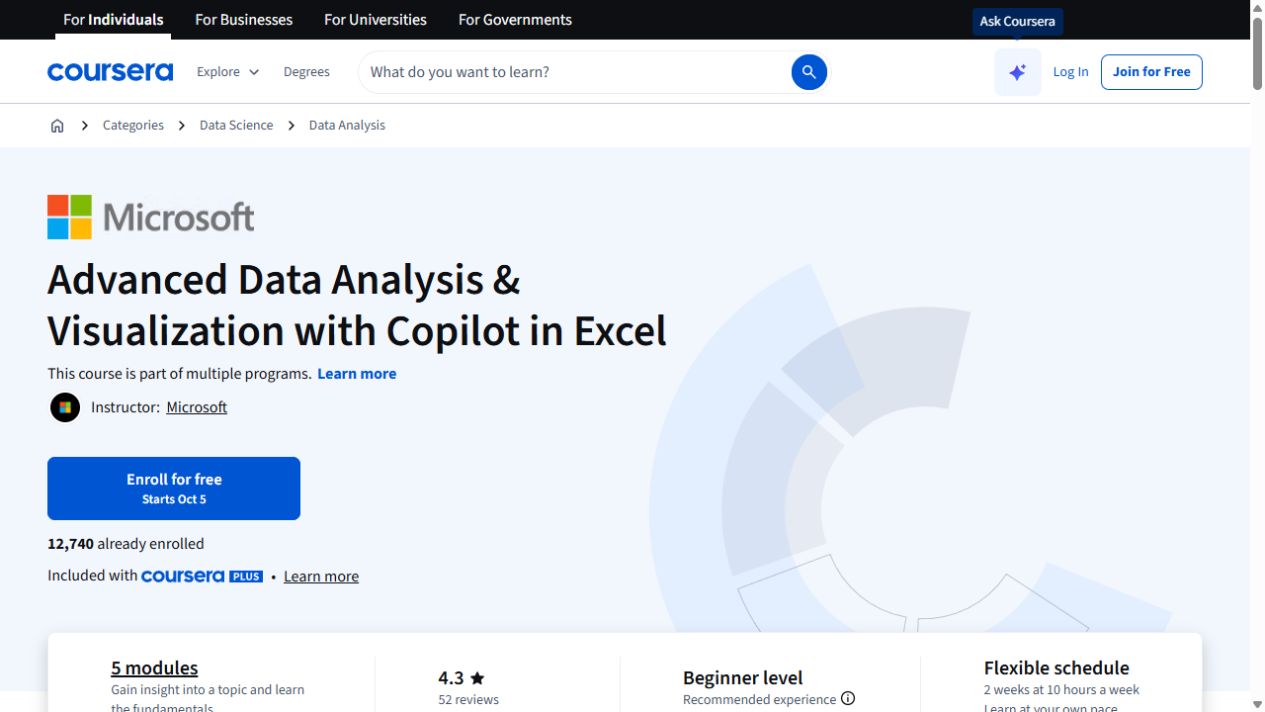
Office workflowsMicrosoft
Advanced Data Analysis & Visualization with Copilot in Excel
Go further with Copilot in Excel: work with external data, explore statistics and build pivot visualizations.
Explore courseAvailable
Office workflowsLinkedIn Learning
Microsoft Copilot for Excel
Use Copilot in Excel for formula columns, sorting, pivot analysis and Python-assisted work, with setup requirements explained.
Explore courseAvailable
Office workflows365 Careers
Intro to Copilot in Excel
Use Copilot in Excel for formulas, data cleaning, profiling and natural-language charts, then compare AI suggestions with regular Excel methods.
Explore courseAvailable