Find your starting point
Claude Academy's Claude 101 and AI Fluency courses are public self-paced lessons with quizzes and badges. Claude capabilities and limitations adds exercises and a final quiz. Some Claude features, including Cowork and enterprise tools, may require paid or managed access. Microsoft's Getting Started with Microsoft Copilot is a free Learn course with videos, quizzes and guided activities. It does not offer a certificate.
Make Academy's Automation to AI Agents: Foundation includes six months of course access and an assessment for an Explorer badge. Make execution allowances and outside model costs are separate. Microsoft's Power Automate course is free to read, but practice needs Power Automate, Dataverse and eligible AI Builder access. Draft, analyze, and present with Microsoft Copilot has a public course path, while the Outlook exercise needs a work or school account with Copilot.
Before starting, decide whether you need concepts, a review method, a no-cost demonstration or a live workflow. Free course access does not mean every software step is free.
Put AI to work on a familiar task
- 01Start with
A sample document or office task
- 02Make a first pass
A useful first draft
- 03Make it yours
Check the result before sharing
Use a fictional example to practise the workflow.
Compare the courses
| Course | What you’ll do | Time | Cost and access |
|---|---|---|---|
| Claude 101Anthropic / Claude Academy |
|
|
|
| Automation to AI Agents: FoundationMake Academy |
|
|
|
| Draft, analyze, and present with Microsoft CopilotMicrosoft |
|
|
|
| Automate and extend your solutions with AI in Microsoft Power AutomateMicrosoft |
|
|
|
| AI Fluency: Framework and foundationsAnthropic / Claude Academy |
|
|
|
| AI capabilities and limitationsAnthropic / Claude Academy |
|
|
|
| Getting Started with Microsoft CopilotMicrosoft |
|
|
|
Take a closer look
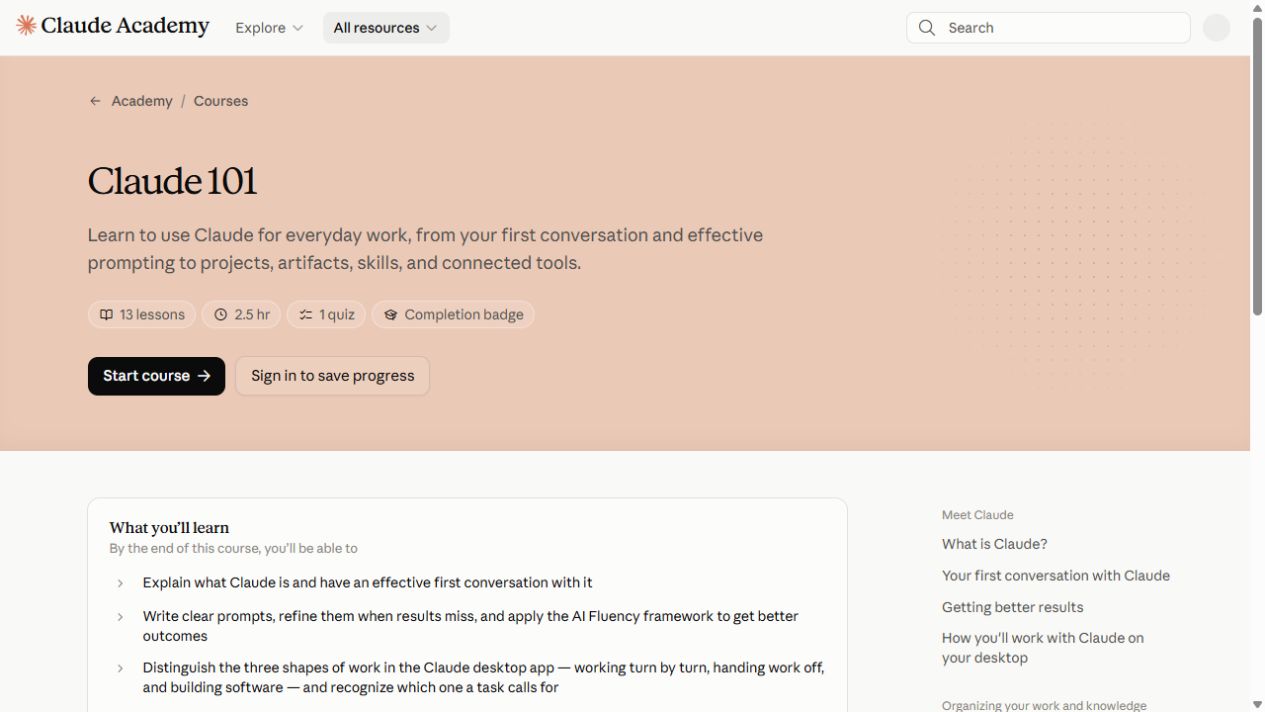
Claude 101
Start with your first Claude conversation, then explore projects, artifacts, skills and connected tools.
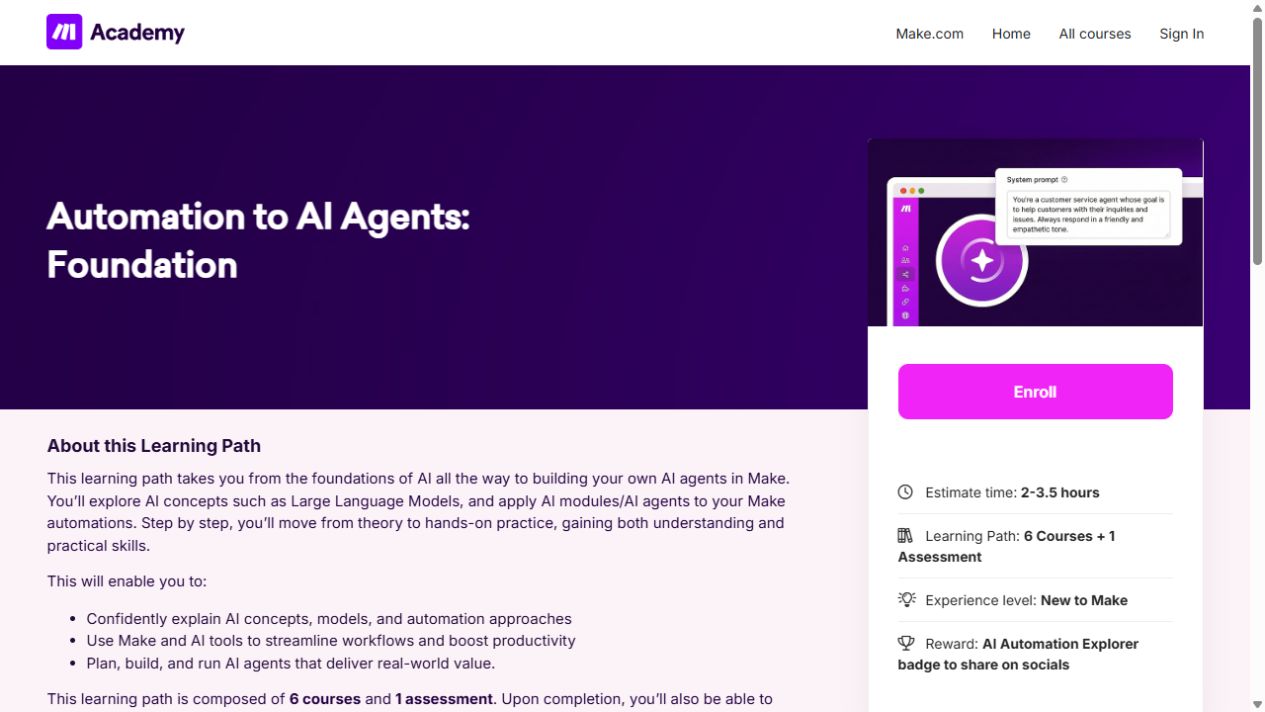
Automation to AI Agents: Foundation
Learn the building blocks of Make, then connect apps and add AI to a simple workflow.
Draft, analyze, and present with Microsoft Copilot
Learn how Copilot Chat uses organizational data, then create Word documents and PowerPoint presentations.
Automate and extend your solutions with AI in Microsoft Power Automate
Build cloud flows with Dataverse actions, approvals and grounded AI Builder prompts.
AI Fluency: Framework and foundations
Choose tasks to delegate, describe the output you want and review AI responses through iteration.
AI capabilities and limitations
Explore how prediction, context windows and instructions shape Claude’s responses, including its knowledge limits.
Getting Started with Microsoft Copilot
Learn Copilot prompts for email and Word drafts, then explore Teams meeting prep, Excel insights and project assistance.
Try this before you choose
Choose one free lesson and one task. List the account, app, connector and feature tier needed for its exercise, then try it with nonsensitive data and check current access and certificate terms.
You might also find these helpful
AI course certificates and badges explained
Check who issues the award and what you have to do to earn it. If an employer or professional body needs to recognize it, ask them about that exact credential.
Find your starting pointGet better at checking AI answers
A useful review method gives you something concrete to check: a source, date, calculation, privacy choice, permission or unclear instruction. Course exercises…
Find your starting pointChoose a course for the tools you have
Before choosing a course, check the software you can actually use. A course may be free to watch while the exercise needs a work account, paid plan, connector…
Find your starting point