What you’ll learn
- Cloud-flow events and Dataverse data actions
- Approval flows
- Grounded AI Builder prompts in apps and flows
What does the learning look like?
- Four modules include recurring/email flows, a Dataverse connector exercise and grounded-prompt practice.
- The prompt exercise imports a fictional proposal dataset and tests a data-backed summary.
Connect a repeated task
- 01Start with
A message, form or new file
- 02Make a first pass
A useful record in the next app
- 03Make it yours
Review the result before saving or sending
Use a fictional example to practise the workflow.
Cost, access and setup
Course cost
- The course is free.
- Software for the exercises may need a paid plan. Check the account requirements before you start.
What you’ll need
- Prior Dataverse modeling or equivalent experience and a Power Automate account.
- The AI Builder module specifies a supported region, Dataverse database/table and eligible Power Apps/Automate/Copilot Studio license
- An AI Builder add-on may be needed.
How you’ll learn
- Four modules
- Public self-paced written lessons
- Sign-in can save progress.
Certificate
- A course badge/learning achievement is listed
Keep exploring
Learn Power Automate for office work
Choose Power Automate training around the Microsoft environment you can access. Cloud flows, approvals, Dataverse, AI Builder and desktop automation have…
Find your starting pointFree AI courses for office work
Free lessons, a free account and the ability to run every exercise are three different things. Copilot, Cowork, Dataverse, automation services and organization…
Find your starting pointChoose a course for the tools you have
Before choosing a course, check the software you can actually use. A course may be free to watch while the exercise needs a work account, paid plan, connector…
Find your starting point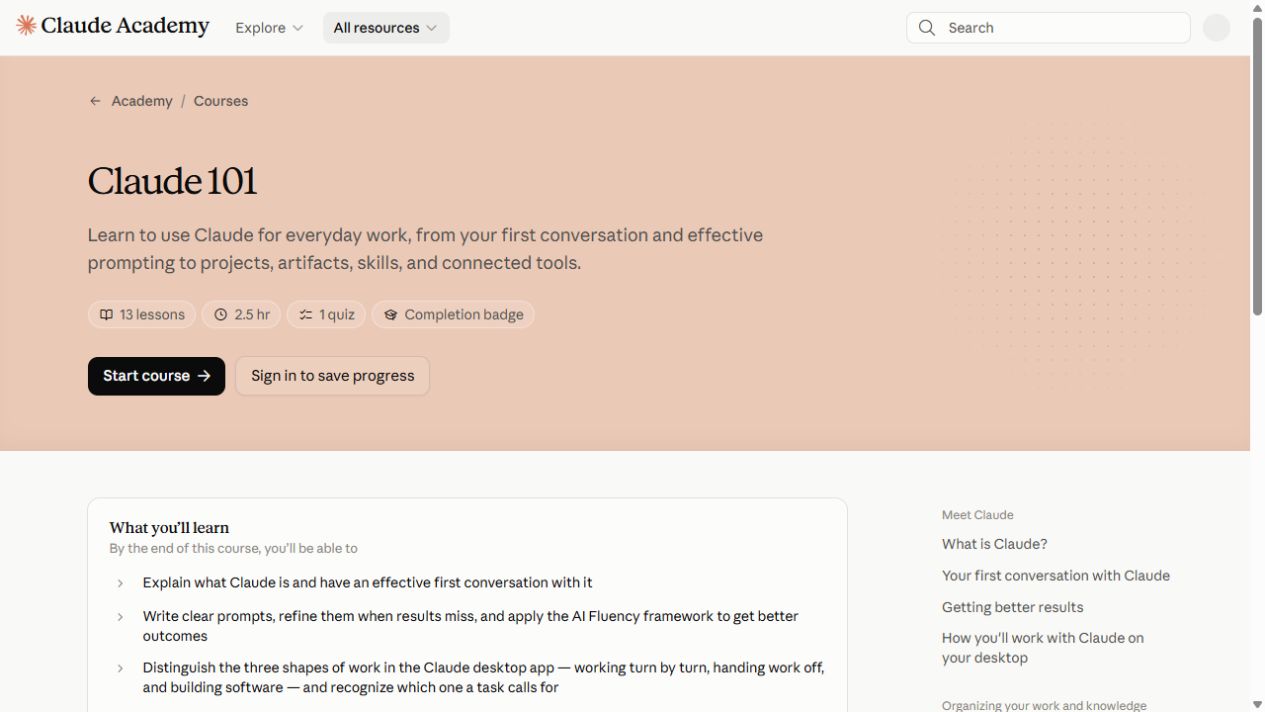
Claude 101
Start with your first Claude conversation, then explore projects, artifacts, skills and connected tools.
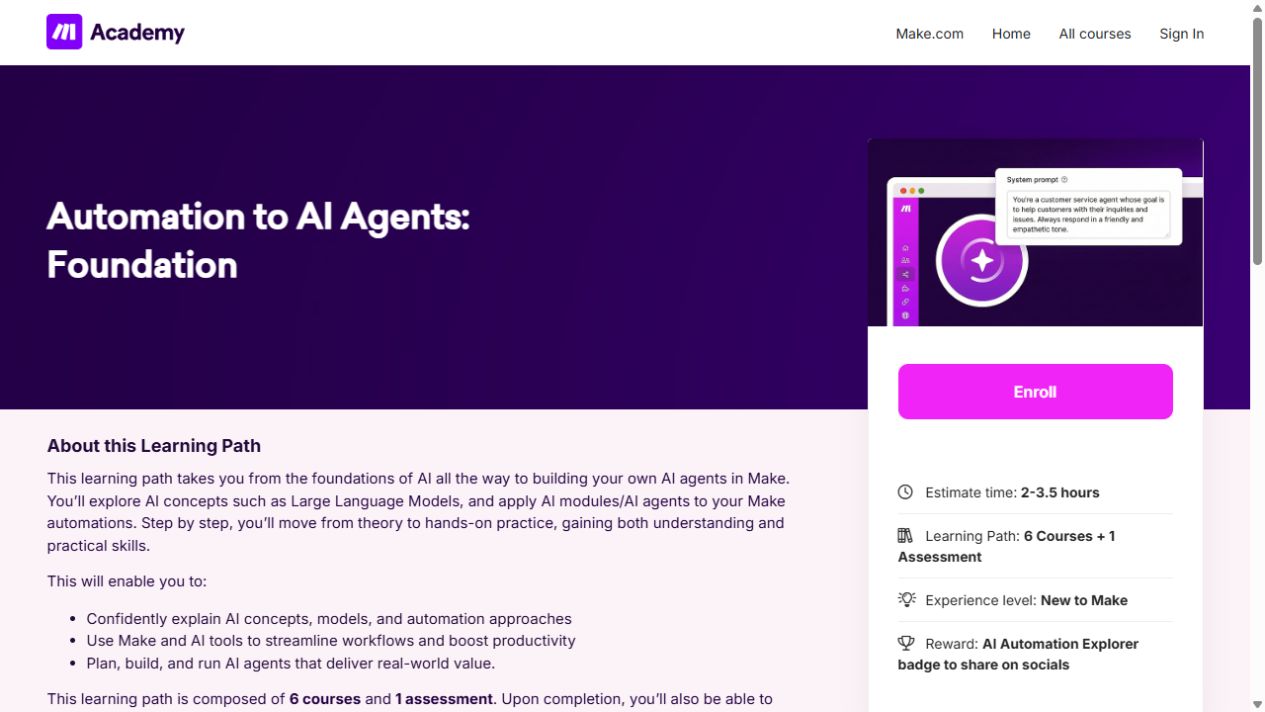
Automation to AI Agents: Foundation
Learn the building blocks of Make, then connect apps and add AI to a simple workflow.
ChatGPT (Free) for Everyday Work: Emails, Meetings & Reports
Use ChatGPT prompts for workplace emails, meeting summaries and action items, then turn rough notes into reports.