What you’ll learn
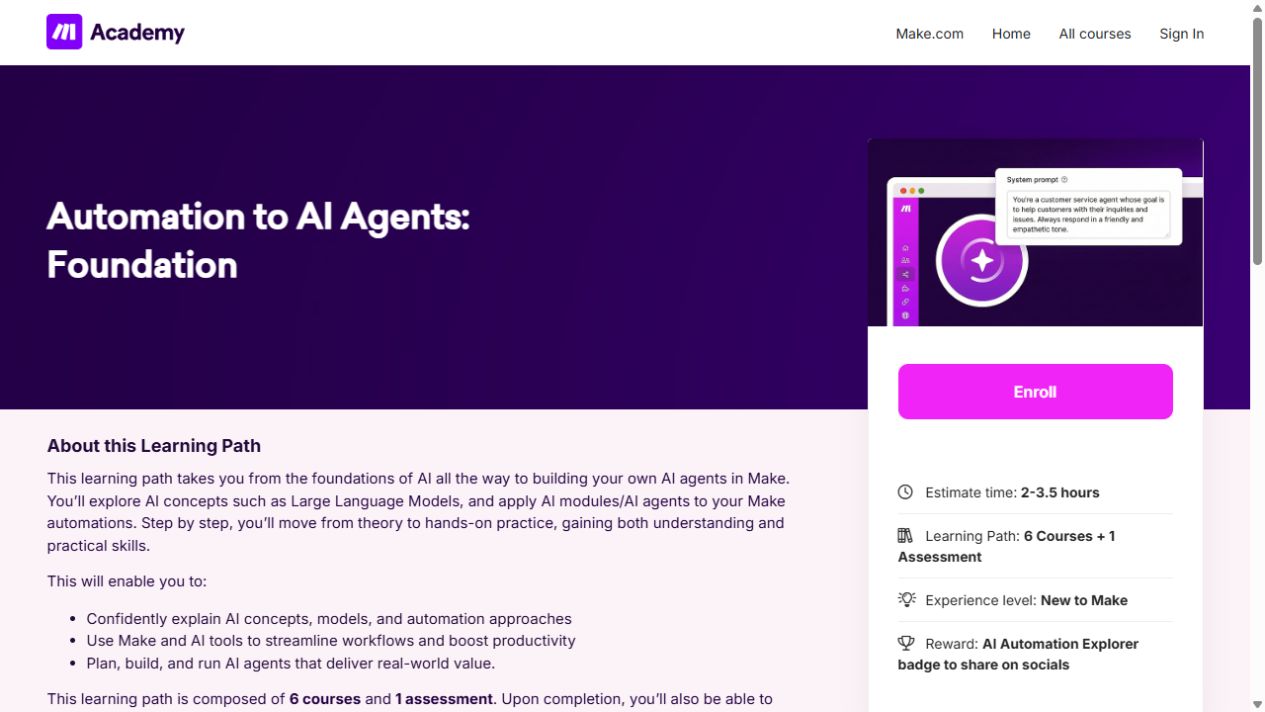
- AI/LLM concepts, risks and automation types
- Make AI Toolkit and content extraction
- Building and running a first Make agent
What does the learning look like?
- Six included courses plus one assessment lead to an AI Automation Explorer badge.
- This is one learning-path bundle
Connect a repeated task
- 01Start with
A message, form or new file
- 02Make a first pass
A useful record in the next app
- 03Make it yours
Review the result before saving or sending
Use a fictional example to practise the workflow.
Cost, access and setup
Course cost
- The course is free.
- Software for the exercises may need a paid plan. Check the account requirements before you start.
What you’ll need
- The path is for learners new to Make.
- Academy enrollment/profile and relevant Make/AI service access are distinct
How you’ll learn
- 2–3.5-hour learning-path estimate
- Academy FAQ gives six months of course access, with re-enrollment and saved progress
- This is not a software-service subscription.
Certificate
- A course badge/learning achievement is listed
Keep exploring
Getting started with AI automation
For a first AI automation, choose one repeated task and map its input, output, human check and failure path. A course that mentions several platforms may still…
Find your starting pointFree AI courses for office work
Free lessons, a free account and the ability to run every exercise are three different things. Copilot, Cowork, Dataverse, automation services and organization…
Find your starting pointAI course certificates and badges explained
Check who issues the award and what you have to do to earn it. If an employer or professional body needs to recognize it, ask them about that exact credential.
Find your starting point
Getting Started with Generative AI and Workflow Automation
Get familiar with business AI limits and structured prompts and reusable versioned prompt libraries.
AI Fluency: Framework and foundations
Choose tasks to delegate, describe the output you want and review AI responses through iteration.
Draft, analyze, and present with Microsoft Copilot
Learn how Copilot Chat uses organizational data, then create Word documents and PowerPoint presentations.