What you’ll learn
- Business AI limits and structured prompts
- Reusable versioned prompt libraries
- Zapier triggers, fields, filters and AI steps
What does the learning look like?
- Three weekly syllabi move from AI basics to reusable prompts and simple Zapier builds for email, meeting summaries, classifications and SOPs.
- Online assessments/certificates are listed
Connect a repeated task
- 01Start with
A message, form or new file
- 02Make a first pass
A useful record in the next app
- 03Make it yours
Review the result before saving or sending
Use a fictional example to practise the workflow.
Cost, access and setup
Course cost
- This is subscription pricing, not a single-course flat fee.
What you’ll need
- No prior AI/automation experience requested.
- Computer, internet, Google Workspace, Zapier and relevant AI accounts are needed
- Feature/API costs are unstated.
How you’ll learn
- Three weeks at three hours per week
- Study estimate rather than video runtime
- Self-paced online, component one of a four-course ExpertTrack.
- A two-day trial is offered
- It is not free complete access.
Certificate
- Course and ExpertTrack certificates are listed with assessment requirements
Instructor
- Edureka Instructors
Keep exploring
Getting started with AI automation
For a first AI automation, choose one repeated task and map its input, output, human check and failure path. A course that mentions several platforms may still…
Find your starting pointAI course certificates and badges explained
Check who issues the award and what you have to do to earn it. If an employer or professional body needs to recognize it, ask them about that exact credential.
Find your starting point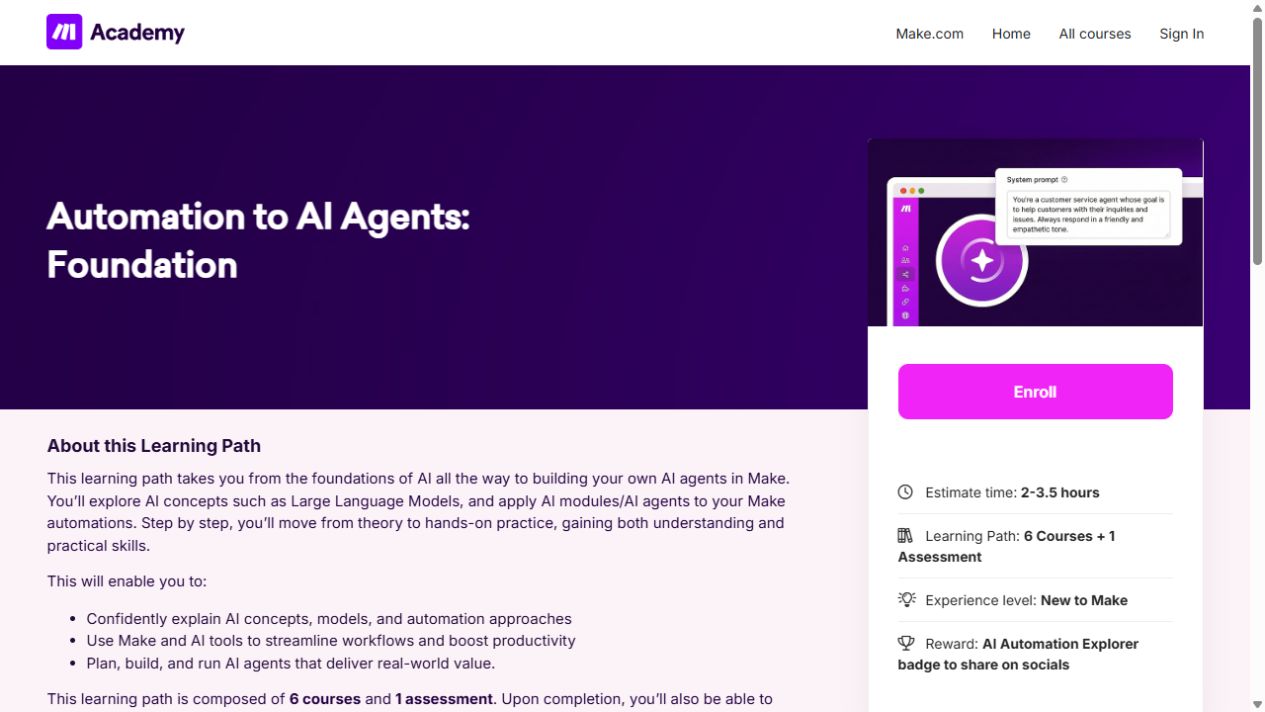
Automation to AI Agents: Foundation
Learn the building blocks of Make, then connect apps and add AI to a simple workflow.
AI Automation with n8n, Zapier & Make: Build Smart Workflows
Compare n8n, Zapier and Make, with more practice in Zapier triggers, data mapping and a form-to-AI-summary workflow for Slack.
Draft, analyze, and present with Microsoft Copilot
Learn how Copilot Chat uses organizational data, then create Word documents and PowerPoint presentations.