Choosing a course
Match the training to the Microsoft tools your organization uses. Some Copilot features need a particular licence or account setup, even when the training itself is free.
Explore the courses
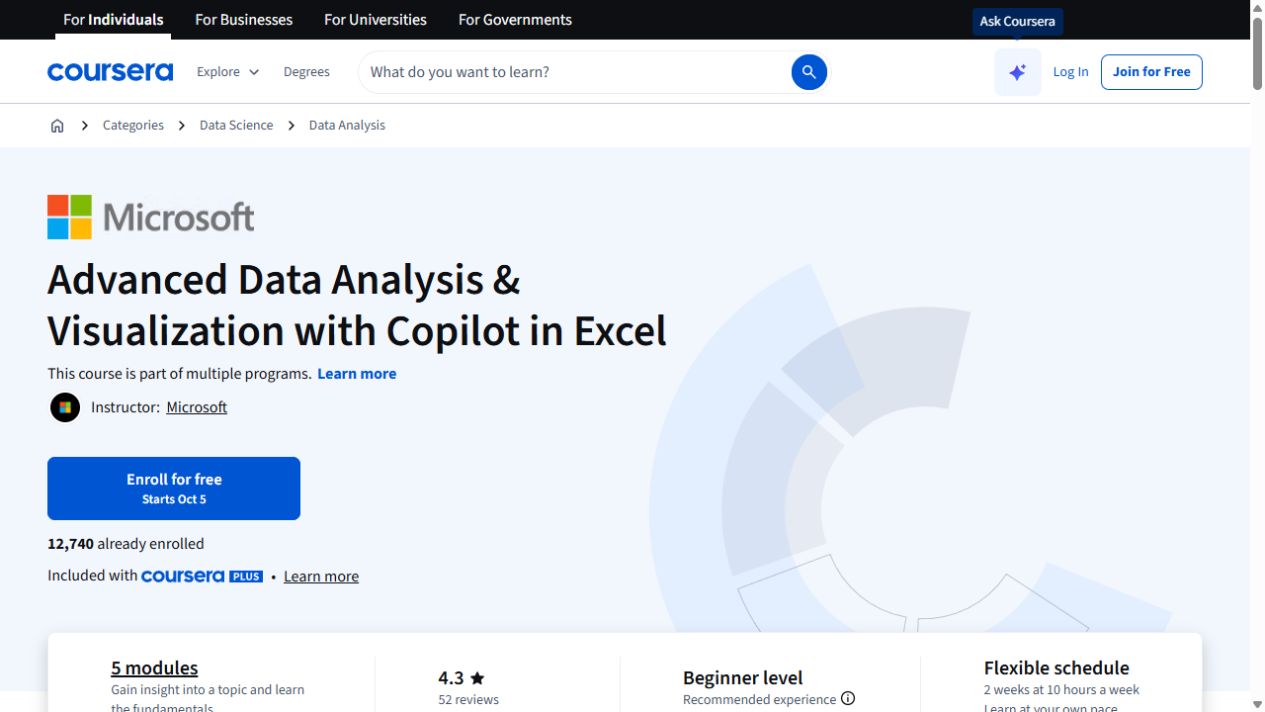
Advanced Data Analysis & Visualization with Copilot in Excel
Go further with Copilot in Excel: work with external data, explore statistics and build pivot visualizations.
Generative AI for Advanced Collaboration in Teams and Outlook
Handle Outlook email and Teams meeting workflows with Copilot, then complete an applied collaboration project.
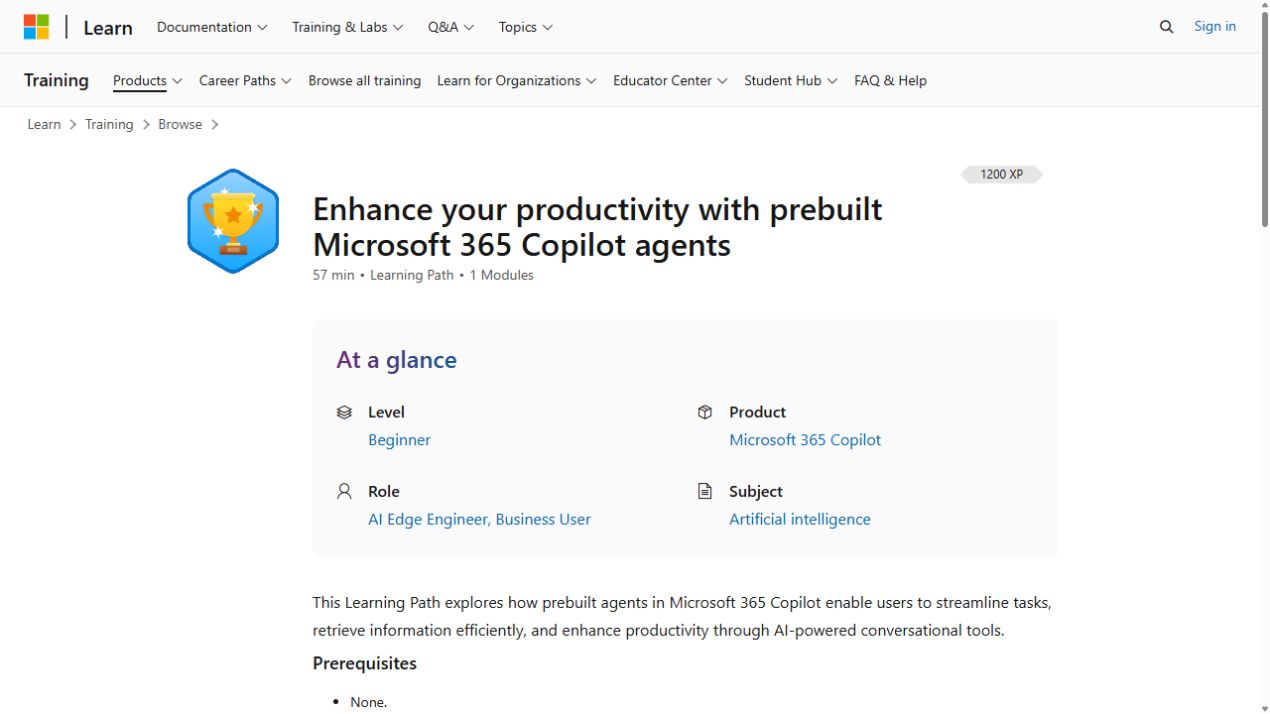
Enhance your productivity with prebuilt Microsoft 365 Copilot agents
Use prebuilt Copilot agents for research, analysis, writing, ideation and prompt refinement in Copilot Chat.
Draft, analyze, and present with Microsoft Copilot
Learn how Copilot Chat uses organizational data, then create Word documents and PowerPoint presentations.
Optimize business processes with Microsoft Copilot
Use Copilot Chat with work content to create Word and PowerPoint outputs, then explore related Outlook and Excel workflows.
Automate and extend your solutions with AI in Microsoft Power Automate
Build cloud flows with Dataverse actions, approvals and grounded AI Builder prompts.
Copilot for Advanced Collaboration in Teams and Outlook
Use Copilot across Outlook and Teams for email, meetings and collaboration, with a final project and assignments.
Excel and Copilot Fundamentals
Start in Excel, learn formulas and data entry, then practise formatting and prompts with Copilot.
Data Cleaning & Processing with Copilot in Excel
Use Copilot to find spreadsheet errors, handle missing values and duplicates, standardize data and design repeatable prompts.
Copilot Chat, Prompts and Agents
Compare Copilot Chat with Copilot agents, then explore web or work grounding, iterative prompts and Microsoft Graph connectors.
Getting Started with Microsoft Copilot
Learn Copilot prompts for email and Word drafts, then explore Teams meeting prep, Excel insights and project assistance.
Data Analysis, Visualization, and Communication with Copilot
Use Copilot to analyze and forecast data, create accessible charts and dashboards, and communicate findings through reports and presentations.
Data Preparation and Evaluation with Copilot
Use Copilot to spot data-quality issues and anomalies, generate synthetic data and prepare spreadsheets for analysis.
Introduction to Microsoft 365 Copilot
Get started with Microsoft 365 Copilot, then try prompts in Word, Excel and PowerPoint and recap meetings across apps.