Find your starting point
The Professional Diploma in AI-Powered Executive Assistance lays out an executive-support sequence: inbox triage, time-zone calendars, research, travel packs, briefings, Gamma reports and a capstone. Generative AI for Virtual Assistant: Work Smarter Not Harder is shorter and covers client content, Canva, Notion or Trello, meeting actions, Zapier and a VA portfolio. It is a broader freelance toolkit.
Ventum offers a one- or two-day course that can use company tools and participant examples across Office, Copilot, ChatGPT and Claude. Aractech's five-day Smart Office covers process mapping, SOPs, follow-up, document control, dashboards and a final simulation. Upskill Development's 16-module programme covers scheduling, OCR, reporting, automation and security without naming software. Ask each provider about dates, fees, group size and the tools used in class.
Free VA Hub names fictional briefs, a prompt library, 30 exercises and six checkpoints. EON's Singapore WSQ Includes free-tool admin exercises, a practical assignment and a short written assessment. UBC has four self-paced modules and a 90-day access window. SkillPath and Pryor offer shorter live or webinar formats. Pryor describes separate certificates for live attendance and recording access. Compare the actual work, teaching format and account requirements.
Choose your first useful AI task
Imagine you support two directors. Every Friday, you turn their project notes into a short update. You already know the projects. The slow part is finding the changes and writing them clearly.
Try this prompt
Using these fictional project notes, draft a Friday update with three sections: progress, decisions needed and next steps. Keep each point to one sentence. Include an owner and deadline only when the notes name them. Put missing information in a separate questions list.
What a useful answer includes
- The update follows the notes and keeps proposals separate from decisions.
- Missing owners or dates stay as questions.
- The draft gives you something useful to edit.
Before you pick a course
- Want help across the role?
- Compare assistant courses covering several recurring tasks.
- Want to fix Friday reporting first?
- Start with a focused writing, document or project course.
- Check whether you will make your own output or watch a demonstration.
- If feedback matters to you, look for a course that explains how you receive it.
- Make sure the exercises use an AI tool and account you can access at work.
Compare the courses
| Course | What you’ll do | Time | Cost and access |
|---|---|---|---|
| Professional Diploma in AI-Powered Executive AssistanceFadwa Baria |
|
| |
| Generative AI for Virtual Assistant: Work Smarter Not HarderBelad Tech Academy |
|
|
|
| AI Training for Executive Assistants, Management Assistants and Team AssistantsVentum Consulting |
|
|
|
| Artificial Intelligence Applications for Administrative ProfessionalsUpskill Development |
|
|
|
| The Smart Office: AI-Powered Tools for Office Managers & SecretariesAractech Executive Academy |
|
|
|
| AI for Virtual Assistants: Practical, Safe AI SkillsFree VA Hub |
|
|
|
| Generative AI Tools for Office AdminsCentre for Behavioral Science |
|
|
|
| WSQ AI Productivity Tools for Admin ProfessionalsEON Training |
|
|
|
| AI for Administrative ProfessionalsUBC Sauder Continuing Business Studies |
|
|
|
| The AI-Powered AdminSkillPath |
|
|
|
| AI Tools for Administrative ProfessionalsPryor Learning |
|
|
|
Take a closer look
Professional Diploma in AI-Powered Executive Assistance
Apply AI to executive-assistant work, from inbox triage and calendar coordination to research, travel planning and briefings. The diploma also covers VIP support, presentations and…
Generative AI for Virtual Assistant: Work Smarter Not Harder
Use generative AI for virtual-assistant work such as client emails, social content, research and everyday admin. The course also covers image creation, task tracking and client onboarding.
AI Training for Executive Assistants, Management Assistants and Team Assistants
Explore AI for executive and team assistants: draft emails, prepare meeting notes, plan travel, manage expenses and create reports. The course also covers Copilot, secure prompts and agents.
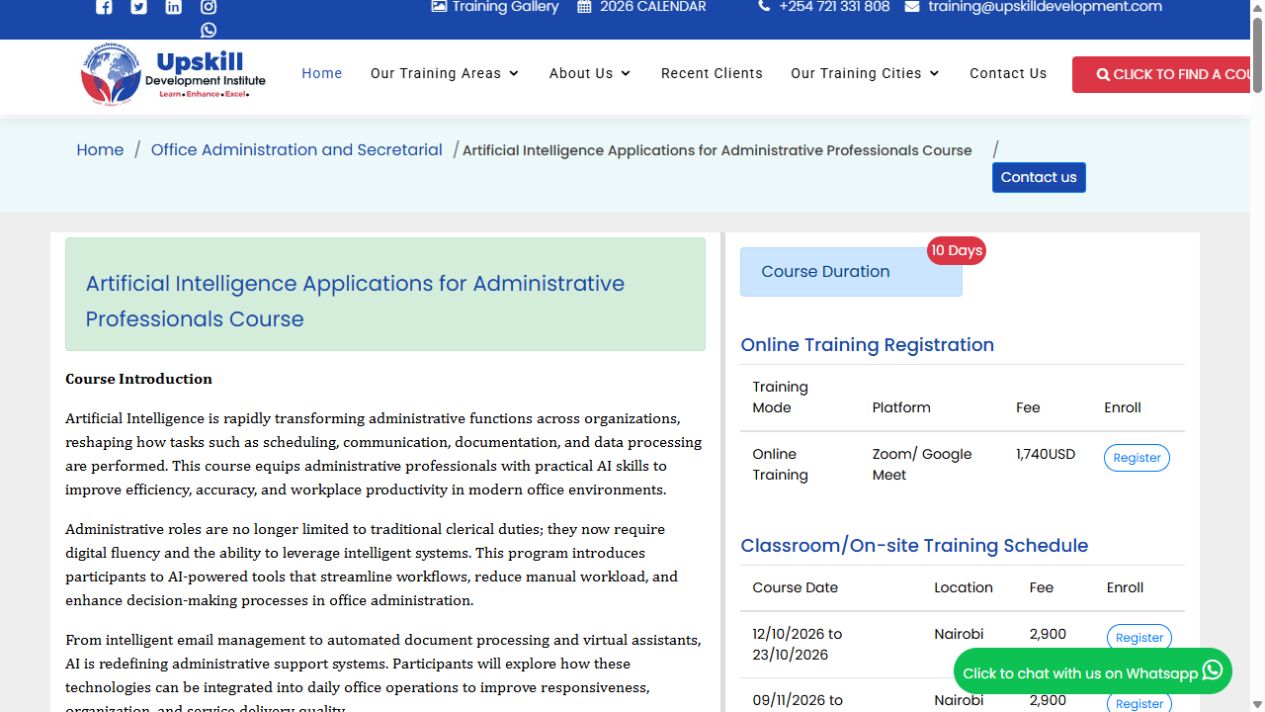
Artificial Intelligence Applications for Administrative Professionals
This 16-module course spans AI basics, scheduling, email, documents, reporting, automation and customer support. It also looks at ethics, security and how organizations choose and implement…
The Smart Office: AI-Powered Tools for Office Managers & Secretaries
This five-day seminar moves from process mapping and AI governance to automation, meeting follow-up and document controls. It finishes with workload analytics, dashboards and an office…
AI for Virtual Assistants: Practical, Safe AI Skills
Build practical AI habits for virtual-assistant work, including reusable prompts, email and meeting preparation, content, data summaries and reports. The course also covers client…
Generative AI Tools for Office Admins
Map recurring office tasks, shape prompts for useful summaries and trackers, then plan an AI assistant for weekly or monthly routines. Examples include NotebookLM, Gemini, ChatGPT and…
WSQ AI Productivity Tools for Admin Professionals
Use free ChatGPT alongside Copilot, Claude and Gemini for admin work like drafting messages, summarizing documents and meeting minutes, cleaning data and preparing reports. The course…
AI for Administrative Professionals
Move from generative-AI basics and prompt writing into administrative tasks such as email drafts, meeting agendas, reports, scheduling and recurring routines.
The AI-Powered Admin
Across three sessions, build a decision framework for choosing ChatGPT or Copilot, then apply AI to emails, meeting summaries, action items, Excel analysis and research. The course also…
AI Tools for Administrative Professionals
A one-hour webinar introduces AI for admin work, from email and calendar support to meeting preparation and routine documents. It also covers tool limits, privacy and review of generated…
Try this before you choose
Pick three assistant tasks you expect to handle this month, such as inbox triage, a meeting follow-up and a briefing. Note which tools and data you can use, then ask each provider about the matching exercises, course language, current fee, access period and assessment.
You might also find these helpful
Self-paced AI courses for assistants
If you need to study around your schedule, compare the assistant tasks, practice and access window. A longer course or diploma title does not automatically…
Find your starting pointLive AI workshops for assistants
Live training gives you a set time to ask questions or bring a work example, but dates, language, group size and software matter. Compare the exercise and…
Find your starting pointFind AI training for your team
Team training works best when everyone brings the same task, approved tools and idea of a checked result. Compare public classes, small workshops and custom…
Find your starting point