Find your starting point
ChatGPT (Free) for Everyday Work uses fictional workplace scenarios for emails, meeting summaries and reports. AI for Absolute Beginners: ChatGPT, Claude & Copilot adds checks for sources, dates and calculations, plus permissions and human approval. Smarter AI Writing focuses on clearer drafts, concise openings and a personal voice brief. It is about writing quality, not running an inbox.
Microsoft Copilot & Outlook covers drafting, triage, thread summaries with references, Teams and OneNote summaries, and some Excel and PowerPoint help. The one-hour Copilot with Outlook course is narrower and needs business or enterprise Copilot access for follow-along practice. EA Campus's Copilot for Email and Tasks class adds To Do, Planner, Loop, Teams Facilitator, agents and Power Automate. Its live class requires a Copilot licence and includes three months of recordings.
The courses describe different kinds of practice: fictional labs, quizzes, a voice brief, or work inside Copilot. Decide whether you need help with one message, a long thread or a queue of commitments and tasks. Check the account, access period and price for the course you choose.
Draft a reply without making a new promise
A fictional client writes: ‘Could we meet Tuesday or Thursday? I’ll send the proposal when finance signs it off.’ Your director is free Thursday afternoon. No meeting has been agreed, and the proposal has no confirmed delivery date.
Try this prompt
Draft a warm reply under 90 words. Offer Thursday afternoon and ask which time works. Acknowledge that the proposal is awaiting finance approval. Do not confirm a booking or promise a delivery date.
What a useful answer includes
- The reply offers Thursday and asks for a time
- It does not say a meeting is booked.
- It keeps finance approval as a dependency and adds no deadline for the proposal.
- The wording sounds like something you would send.
- Adjust the greeting and tone before using it.
Before you pick a course
- A writing course can help with tone, structure and prompts.
- An Outlook or Gmail course may also cover working inside the inbox
- Check which applications it teaches.
- If you want an email to become a task, look for task extraction and follow-up practice as well as drafting.
- Check the software plan and whether exercises happen in a browser chat or your email application.
Compare the courses
| Course | What you’ll do | Time | Cost and access |
|---|---|---|---|
| ChatGPT (Free) for Everyday Work: Emails, Meetings & ReportsCollins Gidisu |
|
|
|
| Microsoft Copilot & OutlookOmar Koryakin |
|
|
|
| AI for Absolute Beginners: ChatGPT, Claude & CopilotCorey Cascio |
|
|
|
| Microsoft Copilot with Outlook: 1 Hour Crash Course!Amandeep Sawhney | HawkEye Data |
|
|
|
| Smarter AI Writing: Elevating Your Business CommunicationLinkedIn Learning |
|
| See course page for pricing. |
| Copilot for Email and Tasks Management MasterclassThe EA Campus (formerly Practically Perfect PA) |
|
|
|
Take a closer look
ChatGPT (Free) for Everyday Work: Emails, Meetings & Reports
Use ChatGPT prompts for workplace emails, meeting summaries and action items, then turn rough notes into reports.
Microsoft Copilot & Outlook
Use Copilot in Outlook to draft emails, triage messages, follow up on tasks and summarize threads with source references.
AI for Absolute Beginners: ChatGPT, Claude & Copilot
Combine prompt design with source, date and calculation checks, then learn how permissions and human approval shape safe AI-agent use.
Microsoft Copilot with Outlook: 1 Hour Crash Course!
Use Copilot with Outlook messages to draft emails, change tone, summarize threads and create meetings.
Smarter AI Writing: Elevating Your Business Communication
Improve AI-assisted business writing by evaluating drafts, using structured prompts and creating a personal voice brief.
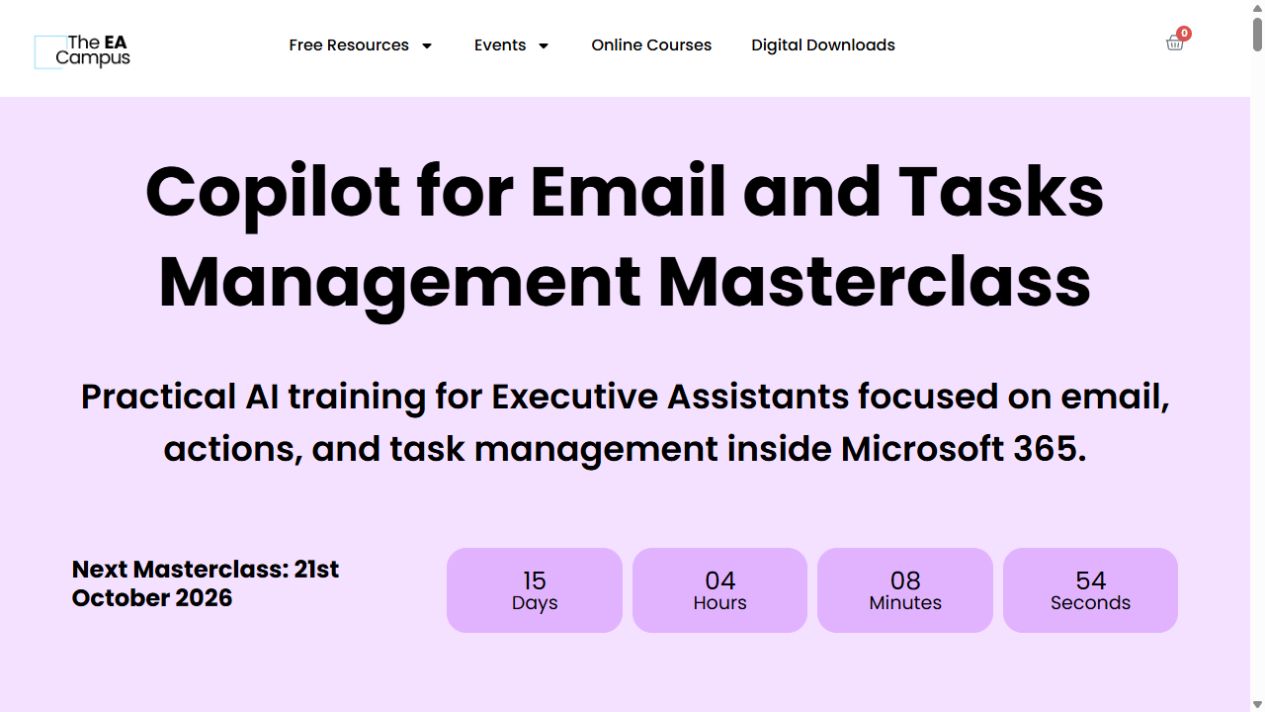
Copilot for Email and Tasks Management Masterclass
Use Copilot for email, then keep track of the actions and follow-ups in Outlook, To Do, Planner and Loop.
Try this before you choose
Write a fictional email thread with one promise, one unanswered question, a date and a tone request. Compare what each course asks you to produce: a draft, a checked summary, a task list or a calendar item. Confirm the needed account before enrolling.
You might also find these helpful
Learn AI tools you can use in a browser
Browser assistants can be an easy starting point for research, writing and planning. They also make it easy to blur the line between checking a source and…
Find your starting pointChoose a course for the tools you have
Before choosing a course, check the software you can actually use. A course may be free to watch while the exercise needs a work account, paid plan, connector…
Find your starting pointGet better at checking AI answers
A useful review method gives you something concrete to check: a source, date, calculation, privacy choice, permission or unclear instruction. Course exercises…
Find your starting point