Find your starting point
ChatGPT + Zapier: From Email Inbox to Excel Spreadsheet uses labelled email, ChatGPT and Zapier to put dates, vendors, amounts, categories, expenses and actions into Google Sheets. Its course title says Excel, but the exercise destination is Google Sheets and the example uses Code by Zapier with custom JavaScript. One assignment is listed.
ChatGPT + Zapier: Easy Inbox Intelligence for Smarter Email brings together travel messages into schedules and action lists and updates them as plans change. ChatGPT + Zapier: Automate Email Replies with AI is about triage, instructions and drafts for a person to review. It does not maintain a tracker.
Before connecting email, define the message boundary, destination columns, duplicate rule and approval step. Keep an invoice value separate from an inference, and a proposed date separate from a commitment. Check ChatGPT, Zapier and spreadsheet account costs.
Connect a repeated task
- 01Start with
A message, form or new file
- 02Make a first pass
A useful record in the next app
- 03Make it yours
Review the result before saving or sending
Use a fictional example to practise the workflow.
Compare the courses
| Course | What you’ll do | Time | Cost and access |
|---|---|---|---|
| ChatGPT + Zapier: From Email Inbox to Excel SpreadsheetVanderbilt University |
|
|
|
| ChatGPT + Zapier: Easy Inbox Intelligence for Smarter EmailVanderbilt University |
|
| See course page for pricing. |
| ChatGPT + Zapier: Automate Email Replies with AIVanderbilt University |
|
|
|
Take a closer look
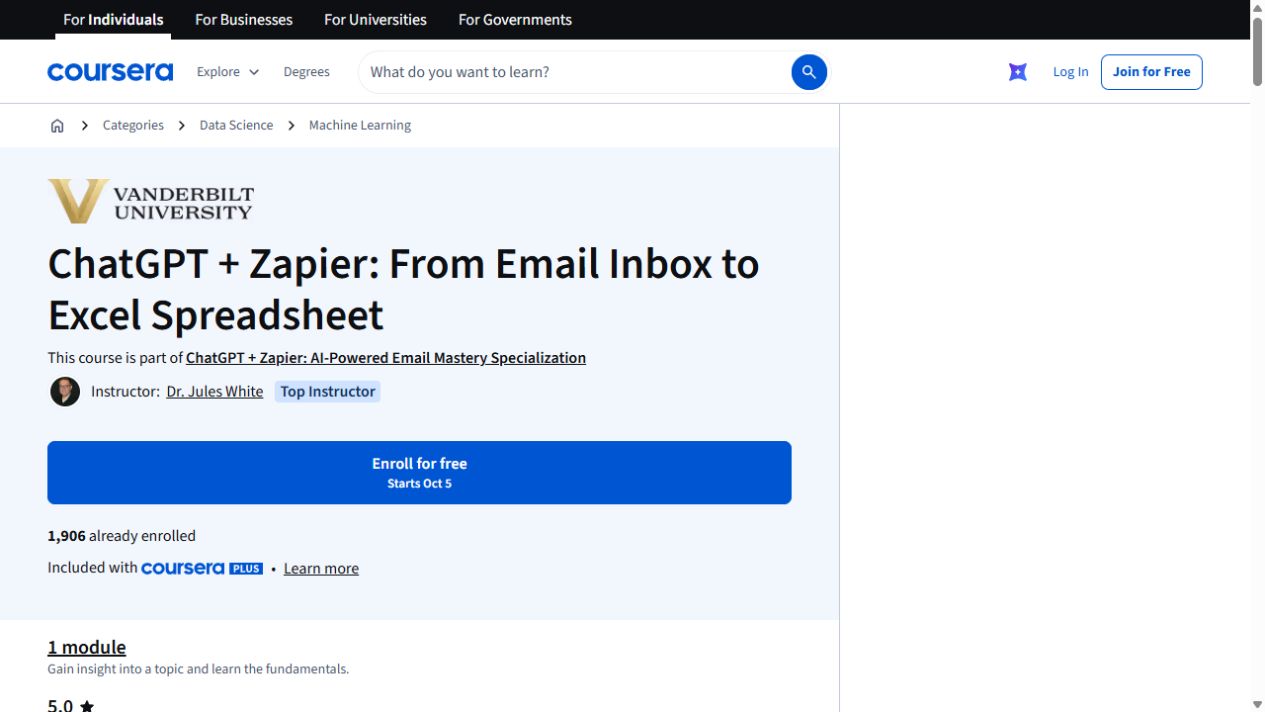
ChatGPT + Zapier: From Email Inbox to Excel Spreadsheet
Turn details from incoming emails into a spreadsheet with ChatGPT and Zapier. The exercise uses Google Sheets and includes a JavaScript-processing step.
ChatGPT + Zapier: Easy Inbox Intelligence for Smarter Email
Use generative AI to pull scattered details from project, meeting and travel emails into structured summaries, schedules and action lists.
ChatGPT + Zapier: Automate Email Replies with AI
Use Zapier triggers to triage email and draft replies from instructions stored in a document.
Try this before you choose
Write three fictional messages: one invoice, one promise and one proposed date. Set the destination columns and approval step, then choose the course that matches extraction, itinerary synthesis or a reviewed reply.
You might also find these helpful
One focused course or a learning bundle?
A bundle may cover several apps and help you build skills in order, while a focused course may be enough for the task you need next. Compare the actual lessons…
Find your starting pointFrom email to schedules and follow-ups
Email often mixes confirmed dates, suggestions and changes. A proposed date is not a booking, and an itinerary summary is not the same as creating a calendar…
Find your starting pointAI training for executive assistants
If you support a leader, a team or clients, start with the work you handle each week: inbox, calendar, meetings, travel, research, documents and confidential…
Find your starting point