What you’ll learn
- Email triage triggers
- Instructions stored in a document
- Contextual reply generation
- Creating drafts for human review
What does the learning look like?
- A 90-minute reply-drafting assignment accompanies five videos.
Example to try
A calmer inbox
- 01Start with
A long email thread
- 02Make a first pass
A short draft + next actions
- 03Make it yours
Check names, dates and promises
Use a fictional example to practise the workflow.
Cost, access and setup
Course cost
- Check the course page for certificate pricing, free trials and options to study without a certificate.
- Listed as included in Coursera Plus. Check your subscription for access.
How you’ll learn
- 2 hours to complete
- Self-paced with flexible scheduling listed.
Certificate
- Course-completion certificate listed
Instructor
- Dr.
- Jules White
Keep exploring
Turn emails into a useful tracker
Turning email into a tracker means deciding which messages count, which fields to save, where they go and who checks them. A reply, a cross-message summary and…
Find your starting pointOffice workflowsVanderbilt University
ChatGPT + Zapier: Easy Inbox Intelligence for Smarter Email
Use generative AI to pull scattered details from project, meeting and travel emails into structured summaries, schedules and action lists.
Explore courseAvailable
Office workflowsVanderbilt University
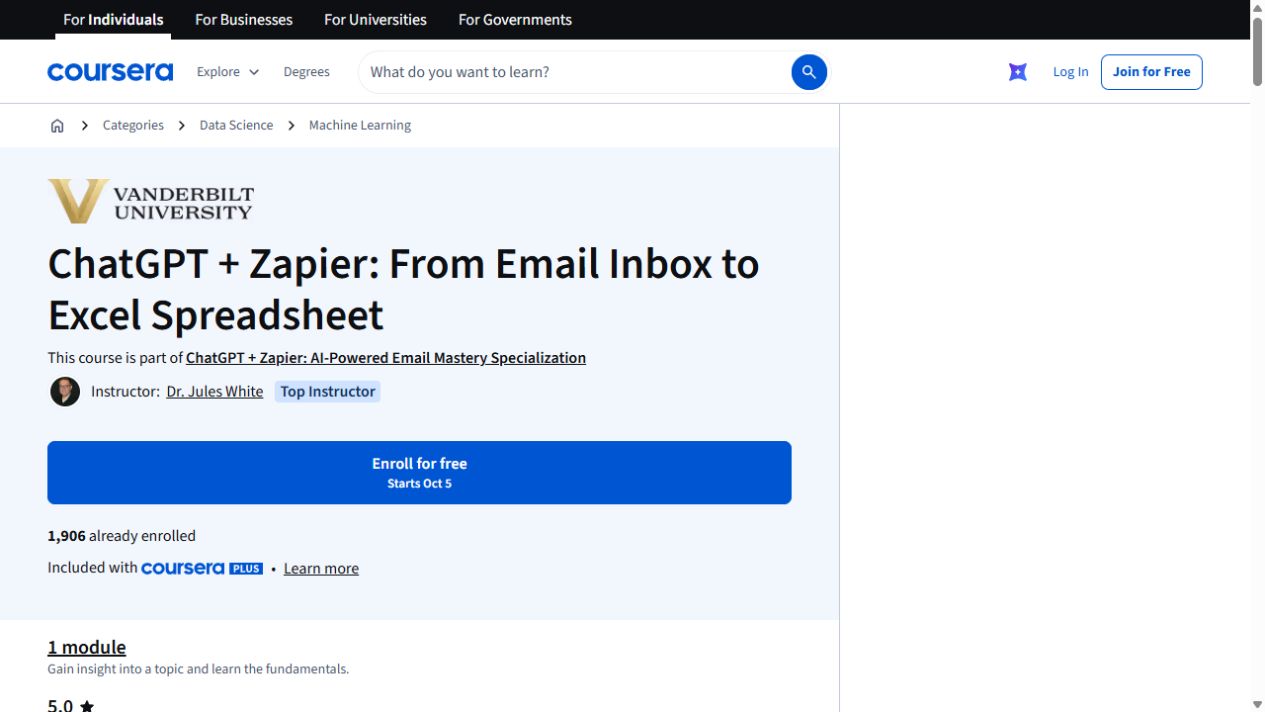
ChatGPT + Zapier: From Email Inbox to Excel Spreadsheet
Turn details from incoming emails into a spreadsheet with ChatGPT and Zapier. The exercise uses Google Sheets and includes a JavaScript-processing step.
Explore courseAvailable
Office workflowsLurnly Productions
Zapier Automation & AI: Zapier Workflows & AI Automation
Build Zapier workflows with triggers, conditional steps, approvals and data transformations. The course also covers agents and forms.
Explore courseAvailable