Choosing a course
The setup differs between courses. For example, the inbox-to-spreadsheet exercise uses Google Sheets and a JavaScript-processing step. Read the individual outline to see which tools and skills you’ll need.
Explore the courses
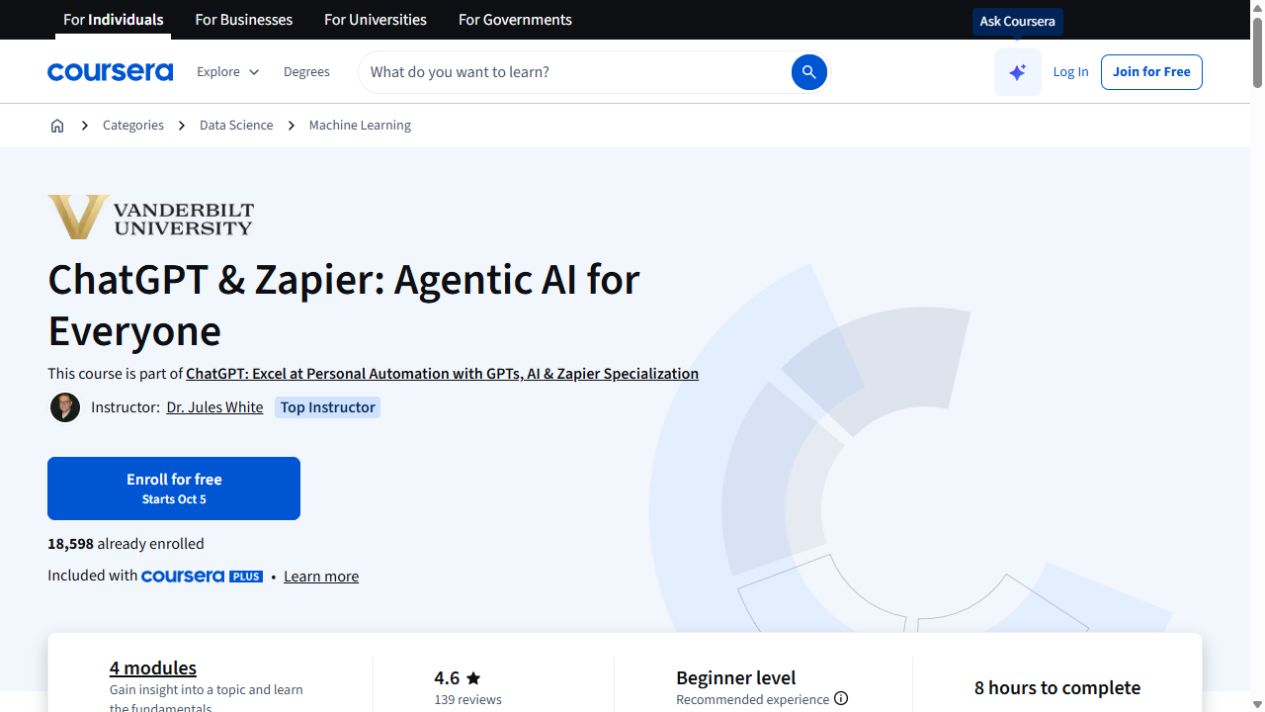
ChatGPT & Zapier: Agentic AI for Everyone
Get familiar with AI agents, custom GPTs and the Zapier actions that connect them to other tools.
ChatGPT + Zapier: Automate Email Replies with AI
Use Zapier triggers to triage email and draft replies from instructions stored in a document.
ChatGPT for Project Management: Insight, Planning, & Success
Use ChatGPT to organize project information and support planning decisions.
Microsoft 365 Copilot: Personal Productivity for All
Use Microsoft 365 Copilot to revise content, work with meeting recordings and turn context into next steps.
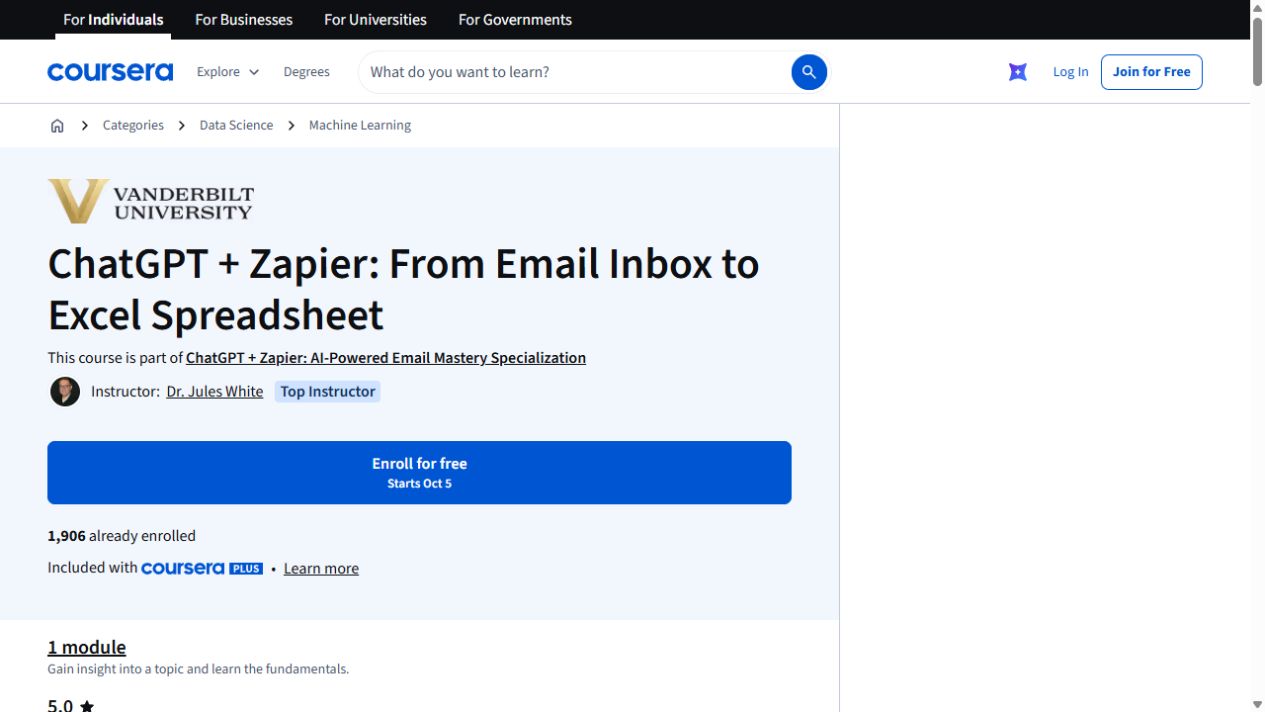
ChatGPT + Zapier: From Email Inbox to Excel Spreadsheet
Turn details from incoming emails into a spreadsheet with ChatGPT and Zapier. The exercise uses Google Sheets and includes a JavaScript-processing step.
ChatGPT + Zapier: Easy Inbox Intelligence for Smarter Email
Use generative AI to pull scattered details from project, meeting and travel emails into structured summaries, schedules and action lists.
ChatGPT: Excel at Personal Automation with GPTs, AI & Zapier
Follow a three-course path from ChatGPT prompting to custom GPTs and Zapier automation, with projects across each stage.
ChatGPT + Excel: AI-Enhanced Data Analysis & Insight
Compare three ChatGPT and Excel courses on data exploration, formulas, visualizations and presentation work.
OpenAI GPTs: Creating Your Own Custom AI Assistants
Build a custom GPT with instructions, knowledge files, tools and a defined persona. Then test it against ambiguity, gaps and risky requests.