What you’ll learn
- Pulling details from email threads into schedules and action lists, then keeping calendars, tasks or notes current as plans change.
What does the learning look like?
- A practical example combines messages from several travelers into an itinerary and updates it as plans change.
- The course also covers project, meeting and commitment tracking and lists one assignment.
A calmer inbox
- 01Start with
A long email thread
- 02Make a first pass
A short draft + next actions
- 03Make it yours
Check names, dates and promises
Use a fictional example to practise the workflow.
Cost, access and setup
What you’ll need
- ChatGPT and Zapier are named
- Examples combine email threads with calendars, tasks and notes.
How you’ll learn
- 3 hours to complete
- One module.
- Study-time estimate is not equivalent to video runtime.
- Flexible self-paced Coursera course
- The course is also component 2 in the four-course AI-Powered Email Mastery specialization.
Certificate
- Shareable course certificate listed
Help along the way
- One assignment is listed.
Instructor
- Dr.
- Jules White is named as instructor
- Vanderbilt University is the publishing institution.
Course cost
Check the course page for current pricing.
Keep exploring
Turn emails into a useful tracker
Turning email into a tracker means deciding which messages count, which fields to save, where they go and who checks them. A reply, a cross-message summary and…
Find your starting pointFrom email to schedules and follow-ups
Email often mixes confirmed dates, suggestions and changes. A proposed date is not a booking, and an itinerary summary is not the same as creating a calendar…
Find your starting pointChatGPT + Zapier: Automate Email Replies with AI
Use Zapier triggers to triage email and draft replies from instructions stored in a document.
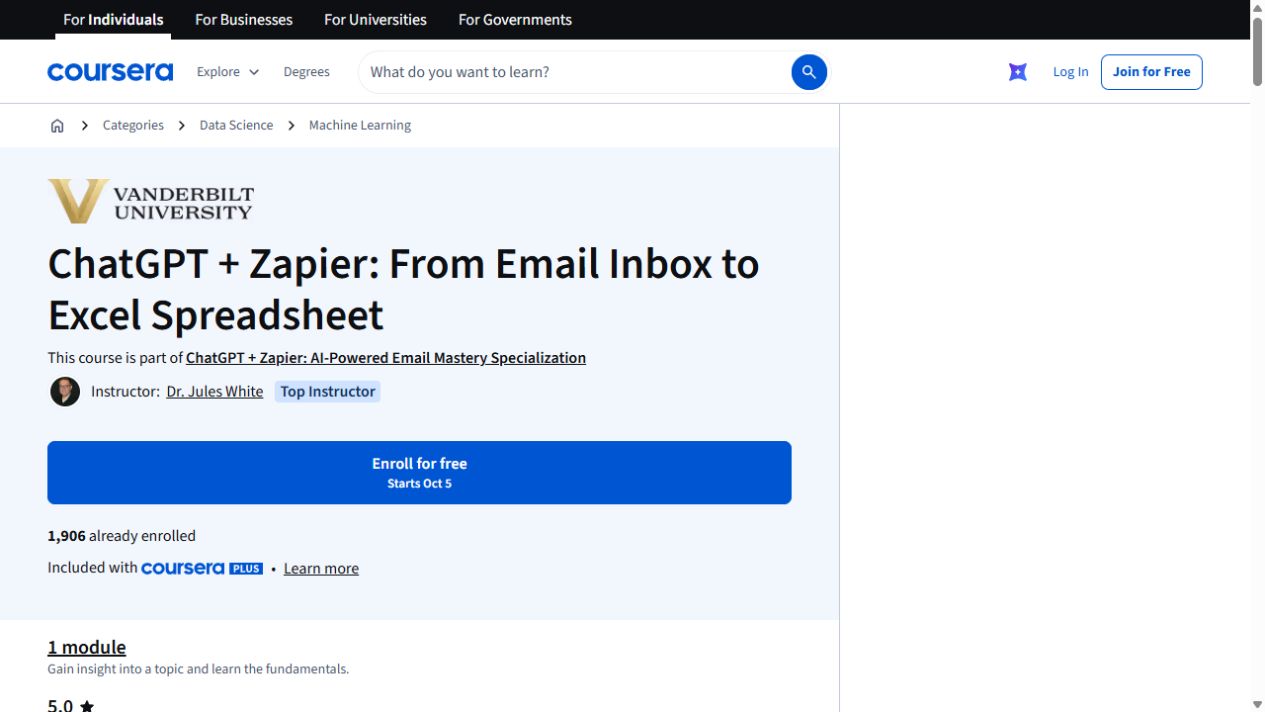
ChatGPT + Zapier: From Email Inbox to Excel Spreadsheet
Turn details from incoming emails into a spreadsheet with ChatGPT and Zapier. The exercise uses Google Sheets and includes a JavaScript-processing step.
Draft, analyze, and present with Microsoft Copilot
Learn how Copilot Chat uses organizational data, then create Word documents and PowerPoint presentations.