Find your starting point
Microsoft 365 Copilot: Boost Productivity & Build Agents is a five-course specialization from prompts to Office apps, automation, collaboration and agents. It lists projects and interactive exercises, but check which Microsoft 365 Copilot plan is required and how long you will have access. Microsoft 365 Copilot AI: Office Automation & Workflows is one component with Forms, documents, proposals, Outlook, PowerPoint, Excel, OneDrive and SharePoint, plus 21 assignments.
ChatGPT + Zapier: From Email Inbox to Excel Spreadsheet is a focused route from labelled email through ChatGPT and Zapier into Google Sheets, including JavaScript parsing. Draft, analyze, and present with Microsoft Copilot focuses on grounded Chat, Word, PowerPoint, Teams, Excel and Outlook work. Either may be enough when one workflow matters most.
Count the practice you will actually use, not the course titles. Check repeated lessons, missing prerequisites, total workload, software plans and access period before deciding which is better value.
Put AI to work on a familiar task
- 01Start with
A sample document or office task
- 02Make a first pass
A useful first draft
- 03Make it yours
Check the result before sharing
Use a fictional example to practise the workflow.
Compare the courses
| Course | What you’ll do | Time | Cost and access |
|---|---|---|---|
| Microsoft 365 Copilot: Boost Productivity & Build AgentsKnowledge Accelerators |
|
| See course page for pricing. |
| Microsoft 365 Copilot AI: Office Automation & WorkflowsKnowledge Accelerators |
|
|
|
| ChatGPT + Zapier: From Email Inbox to Excel SpreadsheetVanderbilt University |
|
|
|
| Draft, analyze, and present with Microsoft CopilotMicrosoft |
|
|
|
Take a closer look
Microsoft 365 Copilot: Boost Productivity & Build Agents
Follow five courses from Copilot prompts and office workflows to app-specific tasks, automation, collaboration and agent building.
Microsoft 365 Copilot AI: Office Automation & Workflows
Use Microsoft 365 Copilot with Forms, documents, proposals, Outlook, Excel, OneDrive and SharePoint across five modules.
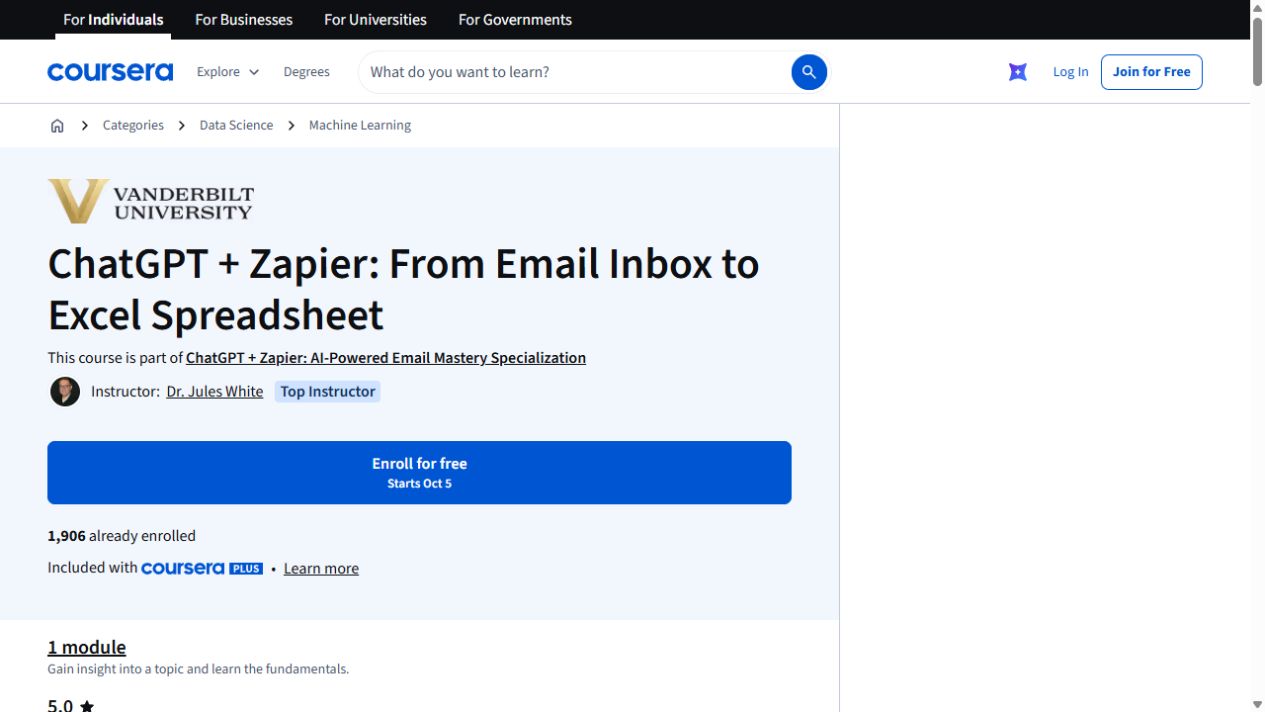
ChatGPT + Zapier: From Email Inbox to Excel Spreadsheet
Turn details from incoming emails into a spreadsheet with ChatGPT and Zapier. The exercise uses Google Sheets and includes a JavaScript-processing step.
Draft, analyze, and present with Microsoft Copilot
Learn how Copilot Chat uses organizational data, then create Word documents and PowerPoint presentations.
Try this before you choose
Write down your next two learning tasks and what each should produce. Match them to bundle lessons or a focused course, note repeated or missing work, then check total workload, software and current fees.
You might also find these helpful
AI courses for meeting notes and follow-ups
Good minutes capture decisions, owners, dates, open questions and follow-up. A shorter transcript is only one part of that job. Think about where your meetings…
Find your starting pointLearn Copilot for Teams and Outlook
If your team works in Microsoft 365, compare how much Teams and Outlook practice you need. Some courses begin with app basics. Others assume you know Microsoft…
Find your starting pointFind a Microsoft 365 Copilot course
Microsoft 365 Copilot courses can cover several apps at once or spend more time on one workflow. A cross-app tour may be useful for an overview. A focused…
Find your starting point