EAPA Productivity Architect
Redesign recurring executive-assistant work with Microsoft 365, Copilot and automation. The programme focuses on reducing manual work and improving visibility and follow-through.
Find something useful for the work you do. Browse by tool, task or the way you like to learn.
Courses are listed A–Z. Use the filters to find something that fits your work and the tools you already have.
Redesign recurring executive-assistant work with Microsoft 365, Copilot and automation. The programme focuses on reducing manual work and improving visibility and follow-through.

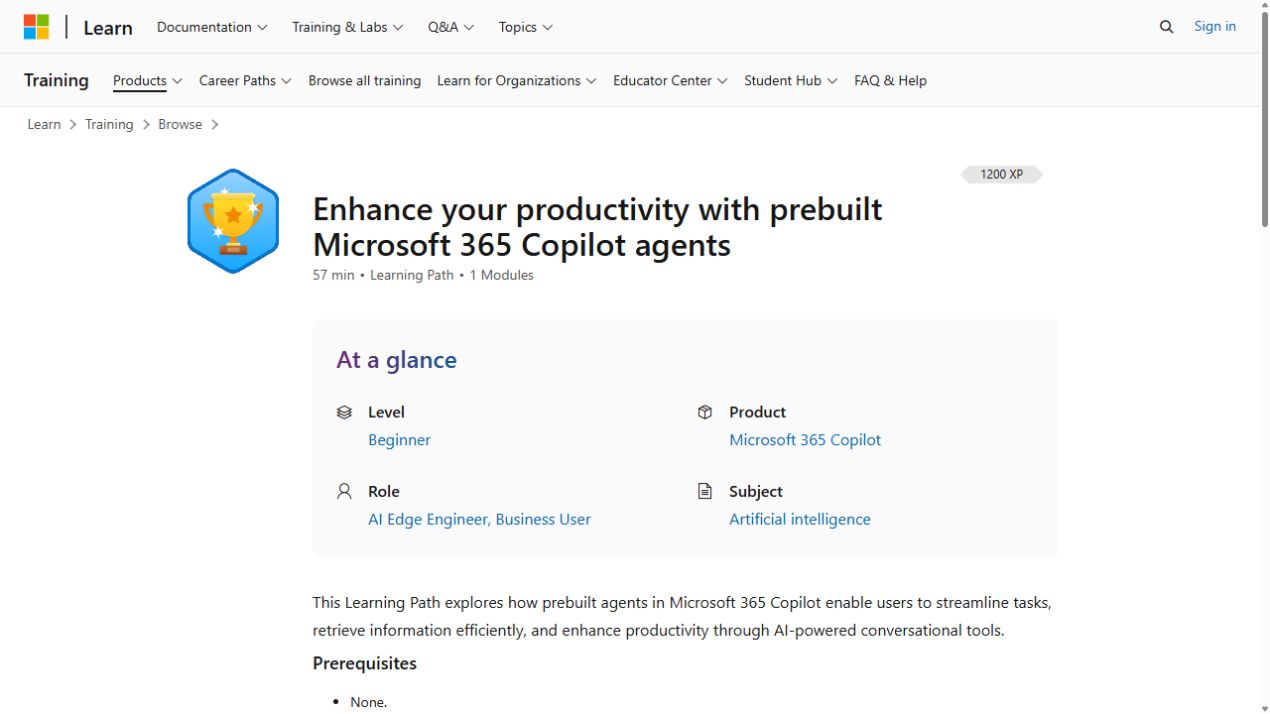
Use prebuilt Copilot agents for research, analysis, writing, ideation and prompt refinement in Copilot Chat.
Try everyday AI tasks for administrative work, from communication and meeting support to information cleanup and stronger prompts. The workshop also covers basic safety and human judgment.
Start in Excel, learn formulas and data entry, then practise formatting and prompts with Copilot.
Use ChatGPT with Excel to write and repair formulas, clean messy data, build summary tables and budget templates, and model scenarios.
Use Copilot with compatible Excel tables to debug formulas, create semantic cell formulas and explore charts and advanced analysis.
This programme combines executive and personal-assistant work with communication, emotional intelligence and stakeholder management. It also looks at responsible AI for emails, schedules,…
Most of this course covers classic office skills, from filing and email to meetings, travel and business writing. A shorter AI section introduces ChatGPT, Gemini and Claude for office tasks.

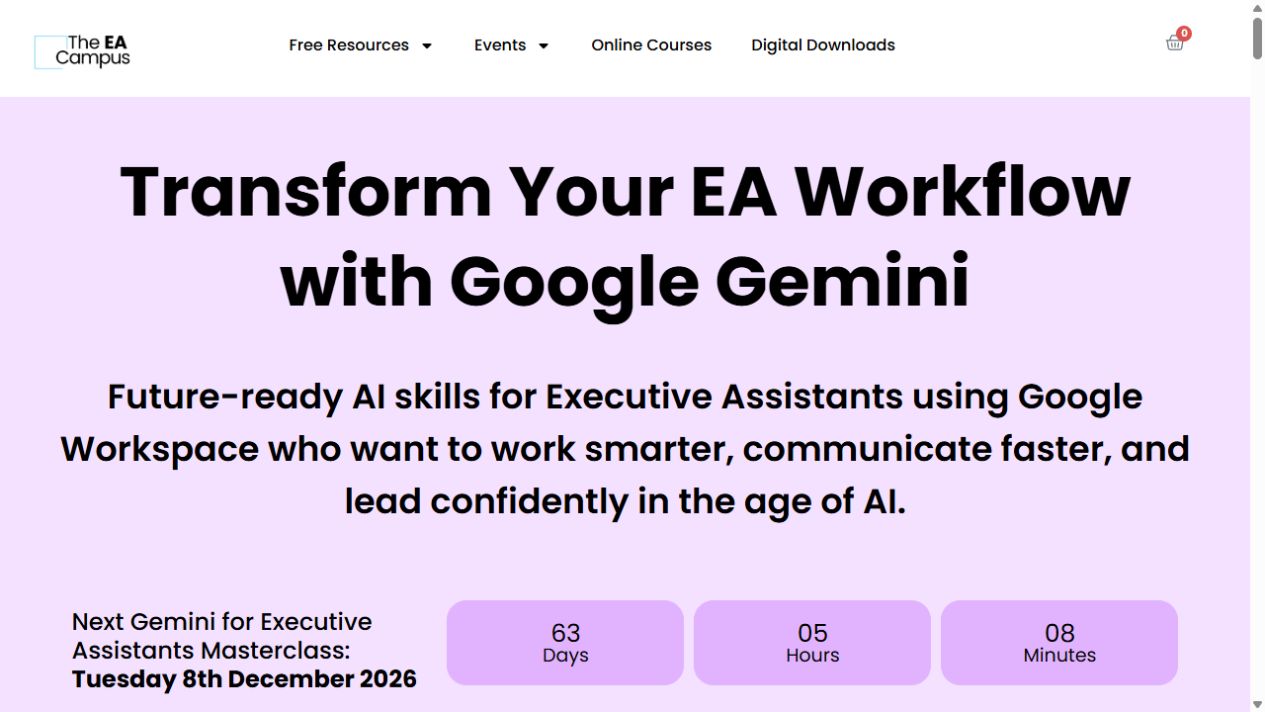
A short, live tour of Gemini for executive-assistant work, from Gmail and Docs to Sheets, Slides and Meet.
Create workplace automations in Google Workspace Studio, from basic flows to more advanced ones.
Learn how Gemini Gems and simple Workspace workflows can help with a task you keep coming back to.
Handle Outlook email and Teams meeting workflows with Copilot, then complete an applied collaboration project.
Apply generative AI to marketing, customer content, HR communications, operations and finance using organizational data.
Use generative AI for virtual-assistant work such as client emails, social content, research and everyday admin. The course also covers image creation, task tracking and client onboarding.
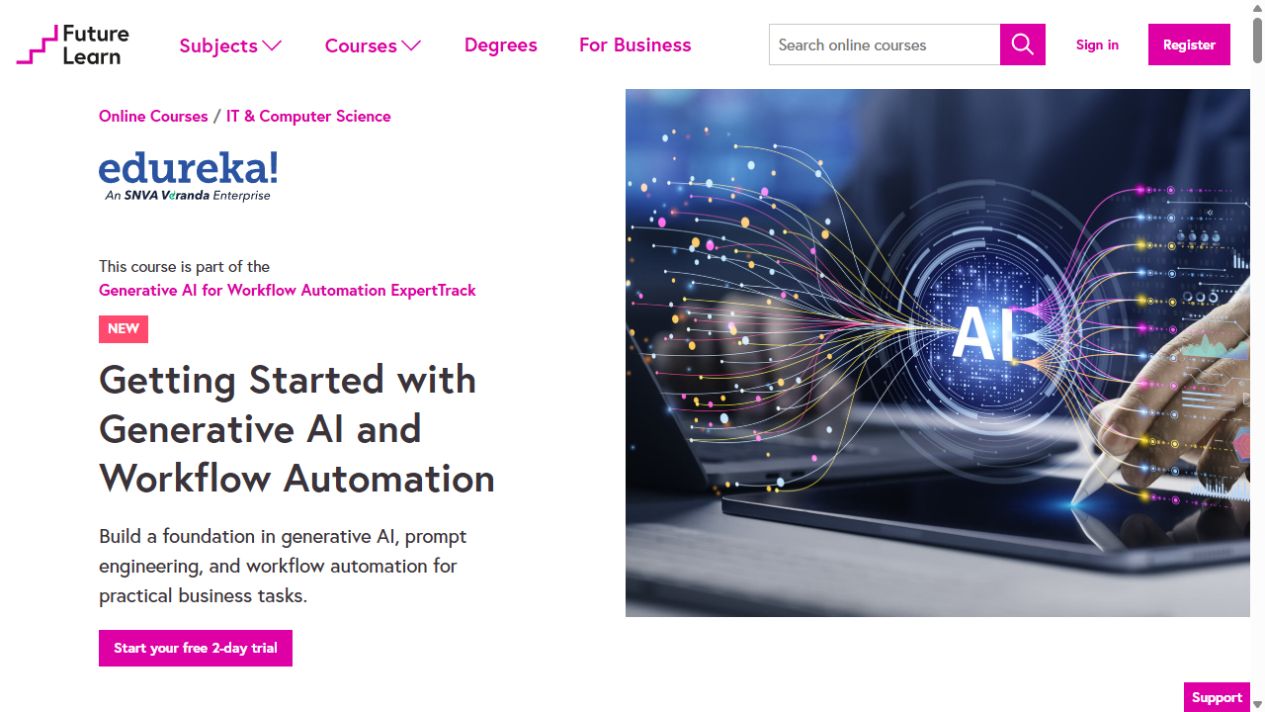
Map recurring office tasks, shape prompts for useful summaries and trackers, then plan an AI assistant for weekly or monthly routines. Examples include NotebookLM, Gemini, ChatGPT and…

Get familiar with business AI limits and structured prompts and reusable versioned prompt libraries.
Learn Copilot prompts for email and Word drafts, then explore Teams meeting prep, Excel insights and project assistance.
Draft presentation text, develop graphics, and prepare speaker notes and handouts with generative AI.
Use Gemini for business writing, meeting agendas, operations and analysis, then explore marketing and presentation workflows.
Use Gemini to plan projects, schedule work and communicate with stakeholders, then complete an integration capstone.
No courses match those filters. Try a broader task or clear the filters.