What you’ll learn
- Use prebuilt and custom Gemini Gems as task-specific assistants
- Use Gems across Google Workspace
- Use Google Workspace Studio templates to define tasks and build simple no-code flows
- Share and reuse workflows for inbox, tasks and team processes.
What does the learning look like?
- The session is described as a practical demonstration/implementation-focused masterclass where the trainer shows how to define tasks, create Gems and build/test simple automations.
Example to try
Connect a repeated task
- 01Start with
A message, form or new file
- 02Make a first pass
A useful record in the next app
- 03Make it yours
Review the result before saving or sending
Use a fictional example to practise the workflow.
Cost, access and setup
Course cost
- Live listing displays £195
- The page also displays a separate £95 on-demand recording option.
- The live offer is not the same access as the recording.
What you’ll need
- Gemini and Google Workspace features are covered
How you’ll learn
- Live 90-minute masterclass scheduled for 12 October 2026.
- Live online masterclass
- Recording/resources are listed for three months.
- A separate on-demand recording is also listed, with a distinct displayed fee.
Certificate
- Certificate on completion is listed
Instructor
- Lauren Hughes is identified as the trainer on the course page
Class dates
| Date | Where | Session | Listed fee |
|---|---|---|---|
| October 12, 2026 | Online | Live session | 195 GBP |
Check the course page for the latest dates and total price.
Keep exploring
Learn Gemini for Google Workspace
If your work happens in Gmail, Docs, Sheets, Slides, Calendar or Meet, compare courses that practise Gemini inside Workspace with courses that teach general…
Find your starting point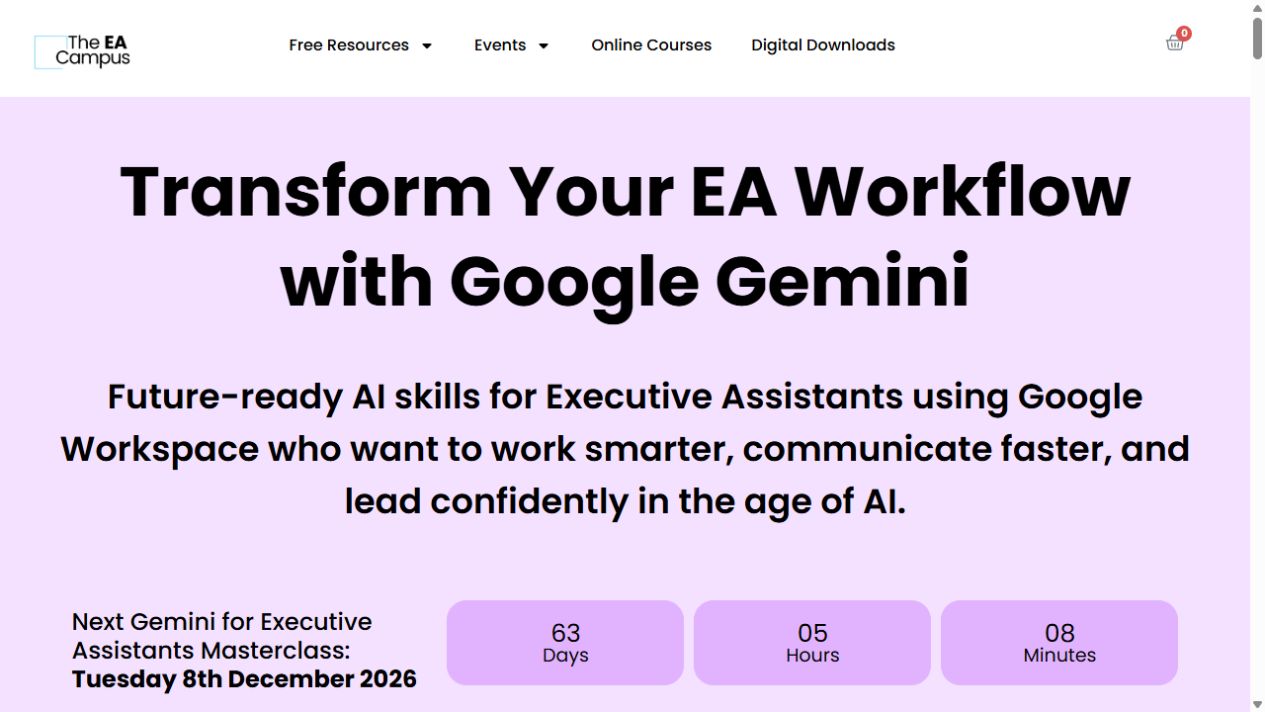
For assistantsThe EA Campus
Gemini for Executive Assistants Masterclass
A short, live tour of Gemini for executive-assistant work, from Gmail and Docs to Sheets, Slides and Meet.
Explore courseLive session
Office workflowsKnowledge Accelerators
Google Workspace with Gemini AI: Gmail, Docs, Sheets, Slides
Use Gemini across Gmail, Docs, Sheets and Slides, with 20 assignments across six modules.
Explore courseAvailable
Office workflowsGoogle Cloud
Gemini in Google Workspace Studio
Create workplace automations in Google Workspace Studio, from basic flows to more advanced ones.
Explore courseAvailable