What you’ll learn
- Gemini foundations
- Gmail
- Sheets
- Slides
- Docs
What does the learning look like?
- 20 assignments are listed across six modules.
Example to try
A clearer presentation
- 01Start with
A brief and supporting facts
- 02Make a first pass
A slide outline + key messages
- 03Make it yours
Check that every slide earns its place
Use a fictional example to practise the workflow.
Cost, access and setup
Course cost
- Check the course page for certificate pricing, free trials and options to study without a certificate.
- Listed as included in Coursera Plus. Check your subscription for access.
What you’ll need
- Free accounts cover some concepts, but all activities require paid Google Workspace with Gemini access.
How you’ll learn
- 3 hours to complete
- Self-paced with flexible scheduling listed.
Certificate
- Course-completion certificate listed
Instructor
- Keith Gibson
Keep exploring
Learn Gemini for Google Workspace
If your work happens in Gmail, Docs, Sheets, Slides, Calendar or Meet, compare courses that practise Gemini inside Workspace with courses that teach general…
Find your starting pointOffice workflowsSkillsBooster Academy
Introduction to Gemini for Beginners
Use Gemini for email, meeting action tables and project updates, then adapt drafts for social posts and refine images.
Explore courseAvailable
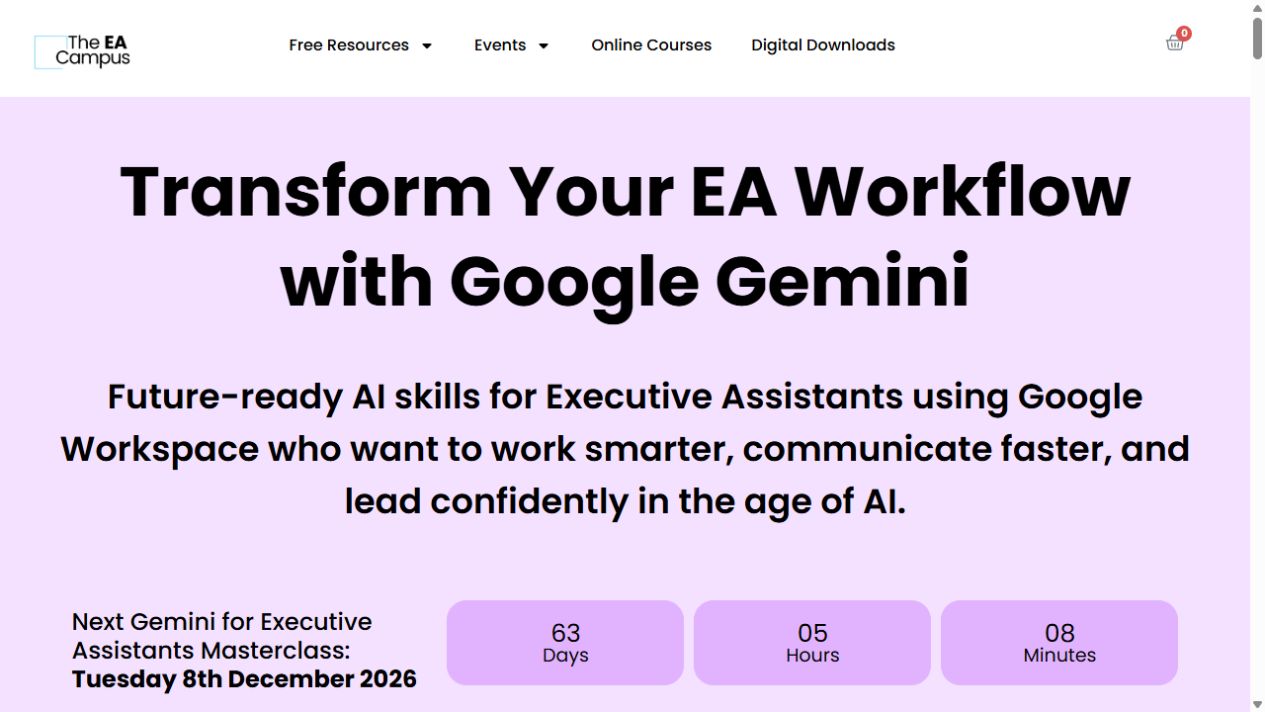
For assistantsThe EA Campus
Gemini for Executive Assistants Masterclass
A short, live tour of Gemini for executive-assistant work, from Gmail and Docs to Sheets, Slides and Meet.
Explore courseLive session
For assistantsThe EA Campus
Gemini Studio and Gems Masterclass
Learn how Gemini Gems and simple Workspace workflows can help with a task you keep coming back to.
Explore courseLive session