Choosing a course
Start with the tools you use at work. The Copilot email and tasks class has a different focus from the broader Copilot class, and Gemini’s Workspace class differs from its Studio and Gems training. Each course has its own live dates, recording access and software needs.
Explore the courses
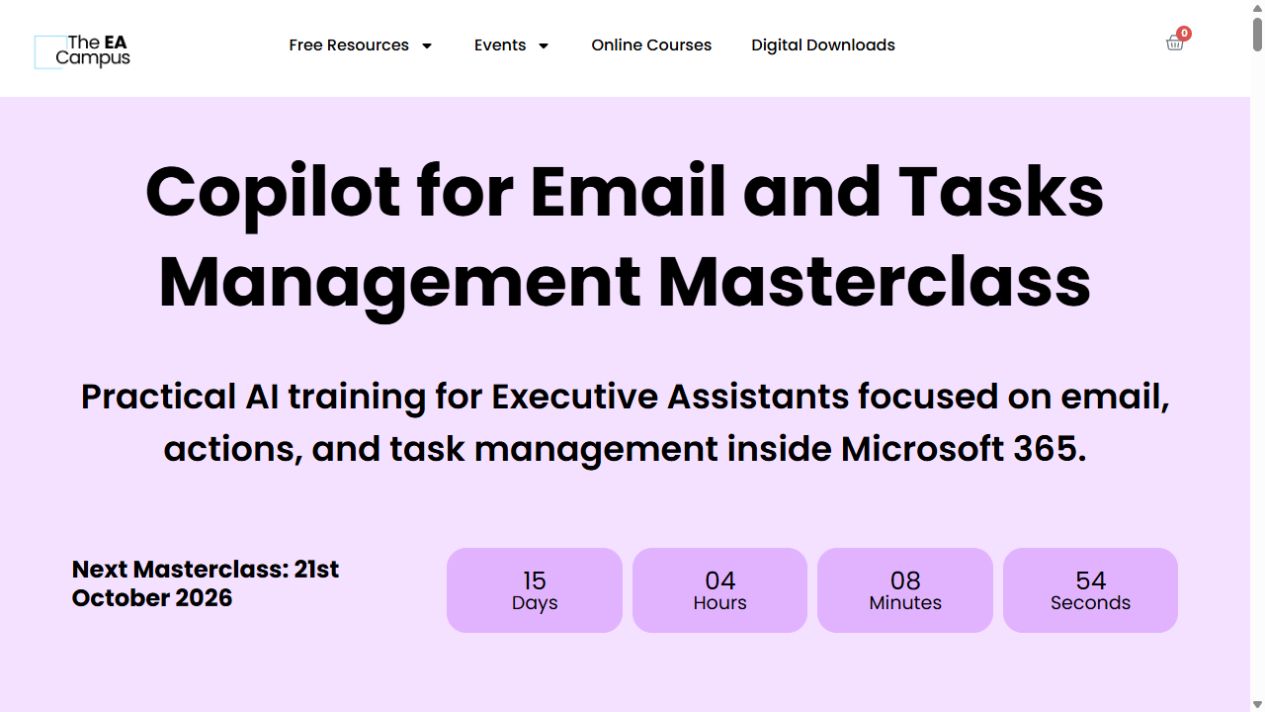
Copilot for Email and Tasks Management Masterclass
Use Copilot for email, then keep track of the actions and follow-ups in Outlook, To Do, Planner and Loop.
Copilot for Executive Assistants Masterclass
Get familiar with Copilot across Outlook, Word, Excel, PowerPoint and Teams, with examples built around executive-assistant work.
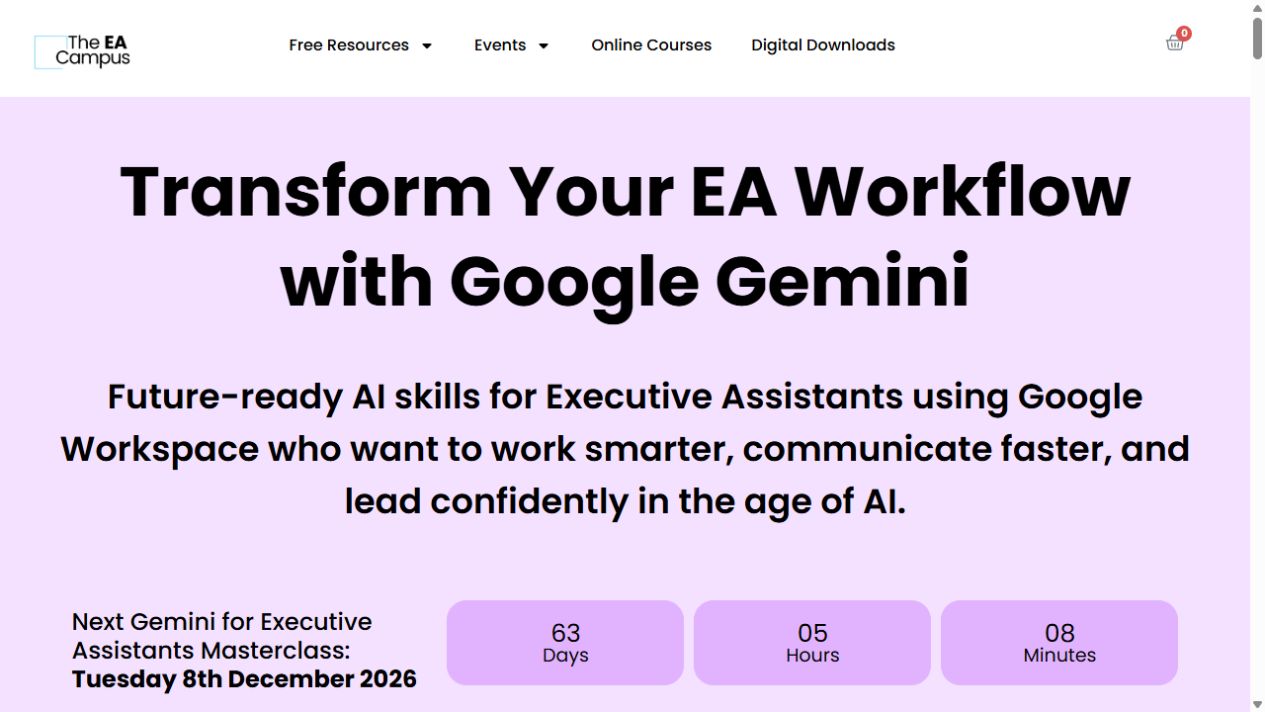
Gemini for Executive Assistants Masterclass
A short, live tour of Gemini for executive-assistant work, from Gmail and Docs to Sheets, Slides and Meet.
Gemini Studio and Gems Masterclass
Learn how Gemini Gems and simple Workspace workflows can help with a task you keep coming back to.
AI for EAs Masterclass
This three-hour masterclass looks at ChatGPT, Perplexity and Copilot for assistant work. Case studies cover meetings, travel, research and recurring workflows.
Copilot & AI for EAs In-Person Masterclass
Explore Copilot across Outlook, Teams, Word, Excel and PowerPoint for meeting summaries, document analysis and reports. A separate session uses ChatGPT and Claude for inbox, research,…
Claude for Executive Assistants Masterclass
Use Claude for repeatable executive-assistant tasks, from prompts and document creation to briefs, agendas and connected workflows. The class also covers Skills, privacy and permissions.
ChatGPT for Executive Assistants Masterclass (recording)
This recording of the ChatGPT masterclass covers structured prompting and professional AI use for executive communications, planning, analysis, meetings and inbox work.