What you’ll learn
- Copilot configuration and prompting for EAs
- Use across Outlook, Word, Excel, PowerPoint and Teams
- Notebooks, agents and responsible use in assistant work
What does the learning look like?
- A masterclass with live examples/demonstrations
Example to try
A calmer inbox
- 01Start with
A long email thread
- 02Make a first pass
A short draft + next actions
- 03Make it yours
Check names, dates and promises
Use a fictional example to practise the workflow.
Cost, access and setup
Course cost
- £450
Check whether tax is included.
What you’ll need
- Microsoft Copilot license is required for interactive practice
- Learners without it can follow examples/demonstrations.
How you’ll learn
- Three-hour live masterclass
- 23 November 2026.
- Live
- Recording and resources remain available for three months.
Certificate
- Completion certificate listed
Class dates
| Date | Where | Session | Listed fee |
|---|---|---|---|
| November 23, 2026 | Online | Live session | 450 GBP |
Check the course page for the latest dates and total price.
Keep exploring
For assistantsCarve
Carve AI
Carve AI is a six-week cohort for executive assistants who want to build a reusable personal AI assistant. It covers prompting and no-code automation with custom GPTs, Gemini Gems and…
Explore courseLive session
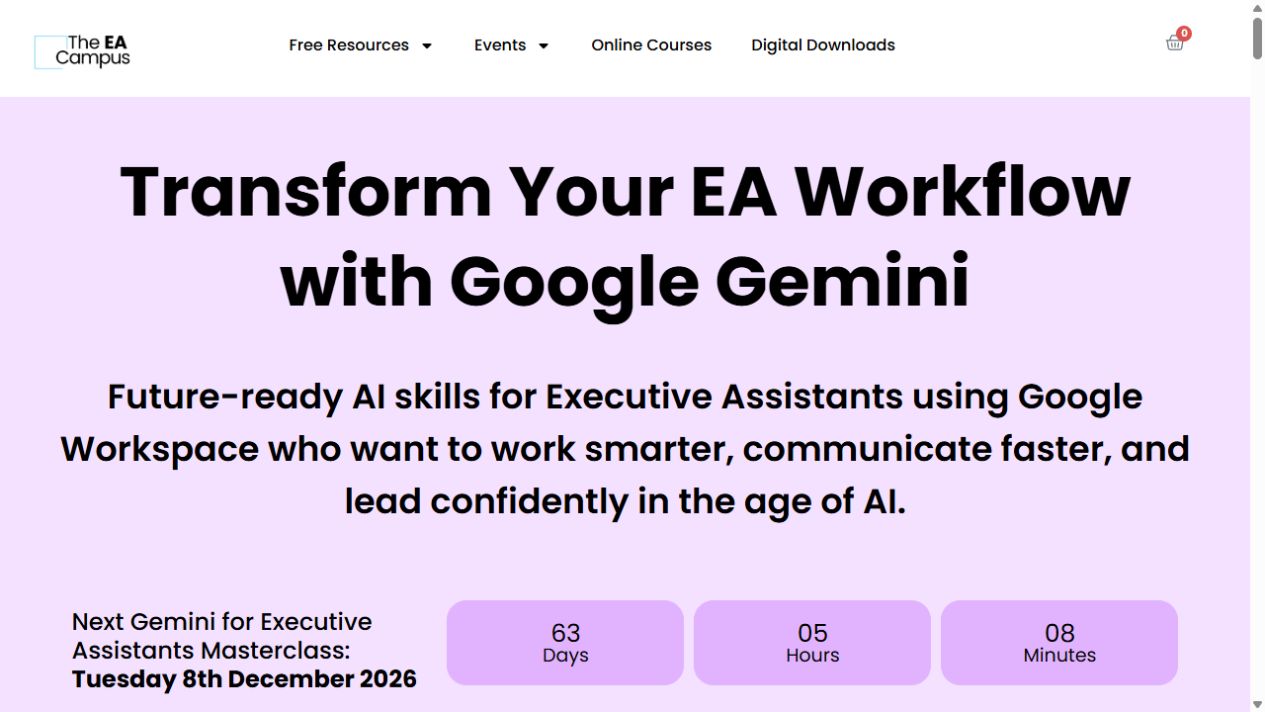
For assistantsThe EA Campus
Gemini for Executive Assistants Masterclass
A short, live tour of Gemini for executive-assistant work, from Gmail and Docs to Sheets, Slides and Meet.
Explore courseLive session
For assistantsVentum Consulting
AI Training for Executive Assistants, Management Assistants and Team Assistants
Explore AI for executive and team assistants: draft emails, prepare meeting notes, plan travel, manage expenses and create reports. The course also covers Copilot, secure prompts and agents.
Explore courseContact provider