Find your starting point
MS Office with AI - Word Excel PowerPoint ChatGPT Gemini combines data cleanup, formulas, trend interpretation, Word summaries and slide outlines. MS Office With AI - Word Excel PowerPoint with ChatGPT covers reports, budgets, dashboards, slides and collaborative Google Sheets. Professional MS Office With AI - ChatGPT, Gemini Copilot adds documents, Excel cleanup, pivots, dashboards and presentation layouts.
Microsoft 365: Microsoft Copilot, Word, Excel and PowerPoint focuses on ordinary formatting, spreadsheet management and slide design, with selected Copilot examples. AI-Powered Microsoft Office: Word, PowerPoint, Excel with AI covers Office foundations and several chat tools. Microsoft Outlook and Microsoft Teams with Microsoft Copilot covers inbox, calendar, meetings, chats and follow-up notes. Complete Microsoft PowerPoint 365 Course with Copilot Intro focuses on slide building and delivery, with a separate Copilot introduction.
These courses can be a good first step when the app basics are part of the problem. If you already know Office, a task-specific course may give you more AI practice per hour. Check current software and account requirements.
Get a more useful answer
- 01Start with
A task, context and an example
- 02Make a first pass
An answer you can refine
- 03Make it yours
Compare it with what you asked for
Use a fictional example to practise the workflow.
Compare the courses
| Course | What you’ll do | Time | Cost and access |
|---|---|---|---|
| MS Office with AI - Word Excel PowerPoint ChatGpt GeminiSustoab Soren |
|
|
|
| MS Office With AI - Word Excel PowerPoint with ChatGPTSustoab Soren |
|
|
|
| Professional MS Office With AI - ChatGpt, Gemini CopilotSustoab Soren |
|
|
|
| Microsoft 365: Microsoft Copilot, Word, Excel and PowerPointJan Ekhteyari |
|
| |
| AI-Powered Microsoft Office: Word, PowerPoint, Excel with AIThe Takeoff College, Nima Ghasemi |
|
|
|
| Microsoft Outlook and Microsoft Teams with Microsoft CopilotBeing Commerce |
|
|
|
| Complete Microsoft PowerPoint 365 Course with Copilot IntroJan Ekhteyari, TJ Walker |
|
|
|
Take a closer look
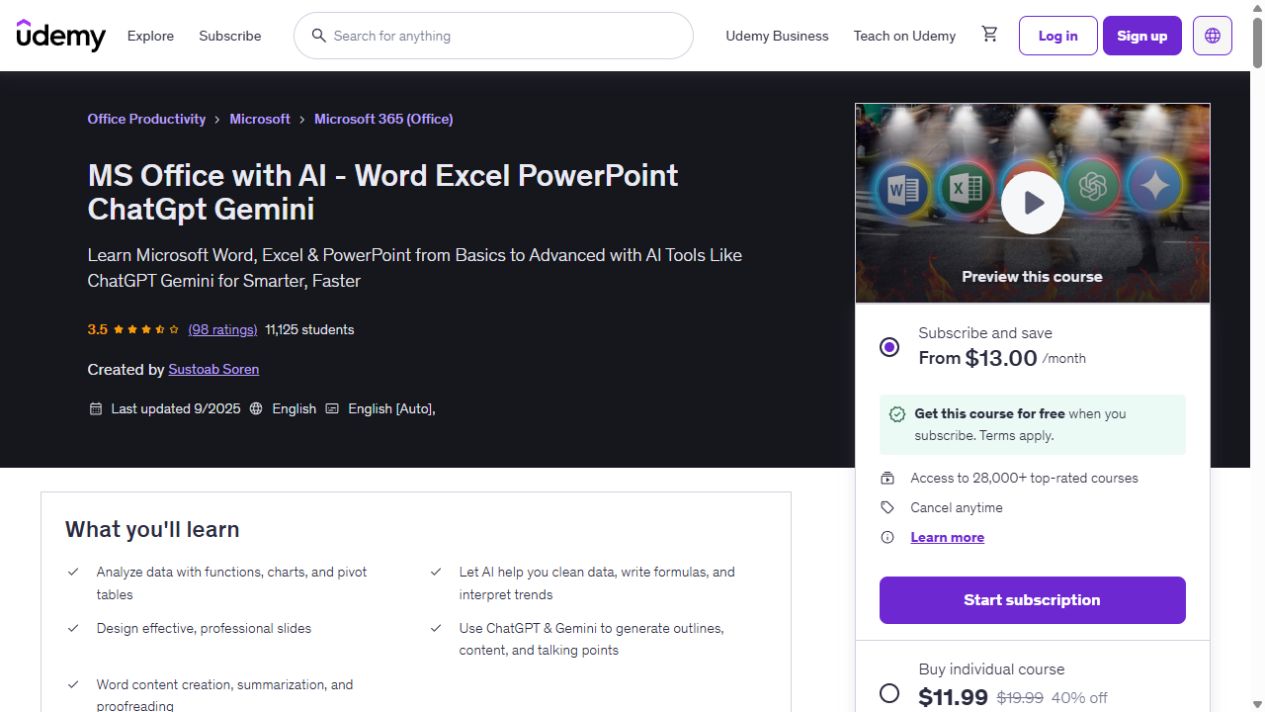
MS Office with AI - Word Excel PowerPoint ChatGpt Gemini
Build your Word, Excel and PowerPoint skills, with examples that bring in ChatGPT and Gemini for data cleaning, document summaries and presentation work. The course has 9h 14m of video. AI…
MS Office With AI - Word Excel PowerPoint with ChatGPT
A broad Office course with ChatGPT examples for reports, budgets, dashboards and slides, plus work in Google Sheets. It has 10h 53m of video and combines AI examples with the wider Word,…
Professional MS Office With AI - ChatGpt, Gemini Copilot
Use AI to draft office documents and reports, then clean and analyze Excel data, build pivots and create dashboards.
Microsoft 365: Microsoft Copilot, Word, Excel and PowerPoint
Learn Word formatting, Excel data management and analysis, and PowerPoint design with selected Copilot examples.
AI-Powered Microsoft Office: Word, PowerPoint, Excel with AI
Build Word, PowerPoint and Excel foundations, then use AI for writing, research and content revision.
Microsoft Outlook and Microsoft Teams with Microsoft Copilot
Use Copilot across Outlook and Teams for drafts, summaries, inbox organization, calendars, meetings, chats and follow-up notes.
Complete Microsoft PowerPoint 365 Course with Copilot Intro
Learn PowerPoint layout, slide building and presentation foundations, with a separate introductory section on Copilot.
Try this before you choose
List the Office actions you need to learn and the AI output you need afterward. Compare how much of each course covers both, try a nonsensitive file or slide and confirm account requirements.
You might also find these helpful
Learn Copilot for Teams and Outlook
If your team works in Microsoft 365, compare how much Teams and Outlook practice you need. Some courses begin with app basics. Others assume you know Microsoft…
Find your starting pointAI training for executive assistants
If you support a leader, a team or clients, start with the work you handle each week: inbox, calendar, meetings, travel, research, documents and confidential…
Find your starting pointAI courses for writing better emails
A course on AI email can teach a better draft, a useful thread summary or a way to move details into another app. Those are different jobs. Choose the course…
Find your starting point