What you’ll learn
- Outlook setup, email drafting and summaries
- Inbox organization and calendars
- Teams meetings, chats and follow-up notes
What does the learning look like?
- Step-by-step app workflows are demonstrated
Connect a repeated task
- 01Start with
A message, form or new file
- 02Make a first pass
A useful record in the next app
- 03Make it yours
Review the result before saving or sending
Use a fictional example to practise the workflow.
Cost, access and setup
Course cost
- Check the course page for current pricing and software requirements.
Check whether tax is included.
What you’ll need
- Includes basic access/readiness requirements
How you’ll learn
- 3h 1m of video
- Recorded online lessons listed.
Keep exploring
Learn Copilot for Teams and Outlook
If your team works in Microsoft 365, compare how much Teams and Outlook practice you need. Some courses begin with app basics. Others assume you know Microsoft…
Find your starting pointBuild your Office skills with a little AI
Some courses teach everyday Word, Excel, PowerPoint, Outlook or collaboration skills as well as AI. That can help if app basics are your bottleneck, but total…
Find your starting pointProfessional MS Office With AI - ChatGpt, Gemini Copilot
Use AI to draft office documents and reports, then clean and analyze Excel data, build pivots and create dashboards.
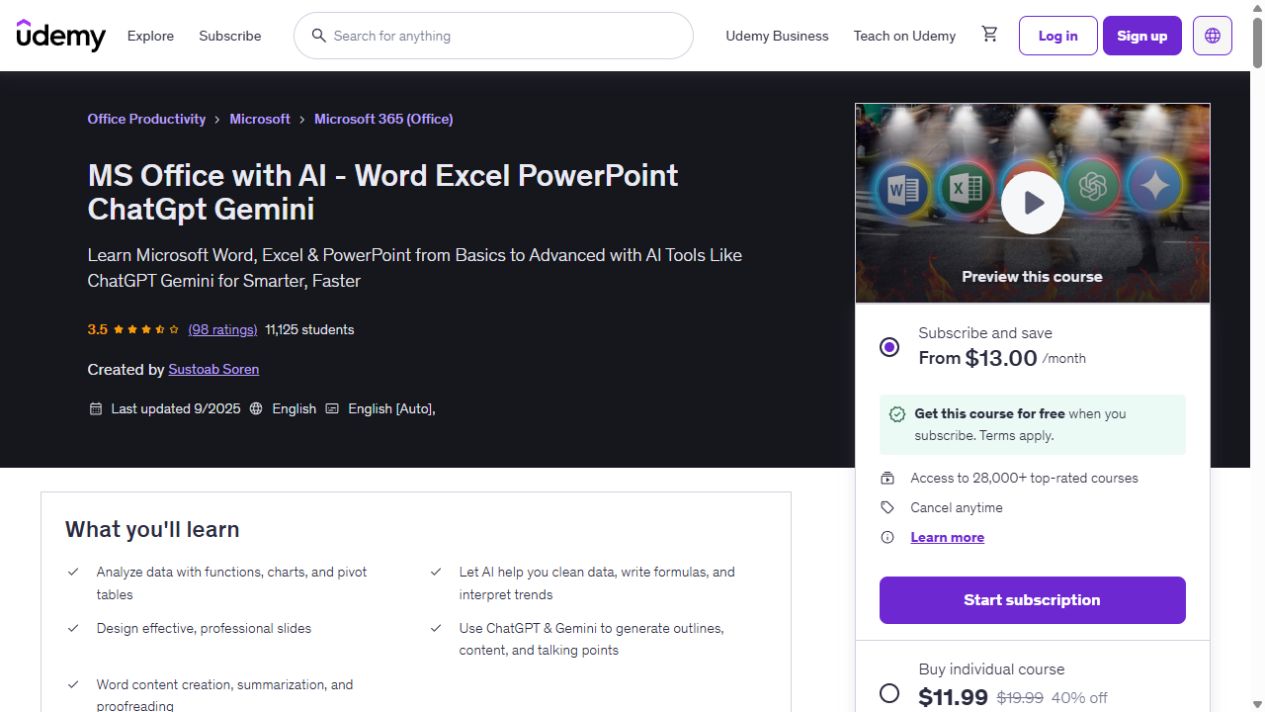
MS Office with AI - Word Excel PowerPoint ChatGpt Gemini
Build your Word, Excel and PowerPoint skills, with examples that bring in ChatGPT and Gemini for data cleaning, document summaries and presentation work. The course has 9h 14m of video. AI…
AI-Powered Microsoft Office: Word, PowerPoint, Excel with AI
Build Word, PowerPoint and Excel foundations, then use AI for writing, research and content revision.