Find your starting point
Claude for Project Management: Cowork, Excel & Reporting uses grounded status packs, steering reports and RAG, RAID, action and decision logs. It lists context-pack assignments, quizzes and a capstone based on the learner's reporting cycle. ChatGPT for Project Management from SkillsBooster Academy covers lifecycle planning, risks, stakeholders and reusable GPT tools through scenarios and a toolkit.
Claude AI for Project Management from SkillsBooster Academy focuses on source-based plans, decision documents and Cowork reports. Google Gemini for Project Management covers prompts, scheduling, stakeholder messages, risk decisions and an integration capstone. Compare which platform you use and whether you need a plan, update, risk view or connected project cycle.
Keep owners, dates, dependencies and status tied to the source. Use fictional or copied data first, and get a person to approve a tracker or stakeholder update before it is sent.
Keep a project moving
- 01Start with
A project brief + recent updates
- 02Make a first pass
A plan, risk list or status draft
- 03Make it yours
Check owners, dependencies and dates
Use a fictional example to practise the workflow.
Compare the courses
| Course | What you’ll do | Time | Cost and access |
|---|---|---|---|
| Claude for Project Management: Cowork, Excel & ReportingDr. Amar Massoud |
|
|
|
| ChatGPT for Project ManagementSkillsBooster Academy |
|
|
|
| Claude AI for Project ManagementSkillsBooster Academy |
|
|
|
| Google Gemini for Project ManagementSkillsBooster Academy |
|
|
|
Take a closer look
Claude for Project Management: Cowork, Excel & Reporting
Use Claude and Cowork to build source-grounded status packs and reports, with status, risk, issue, action and decision logs.
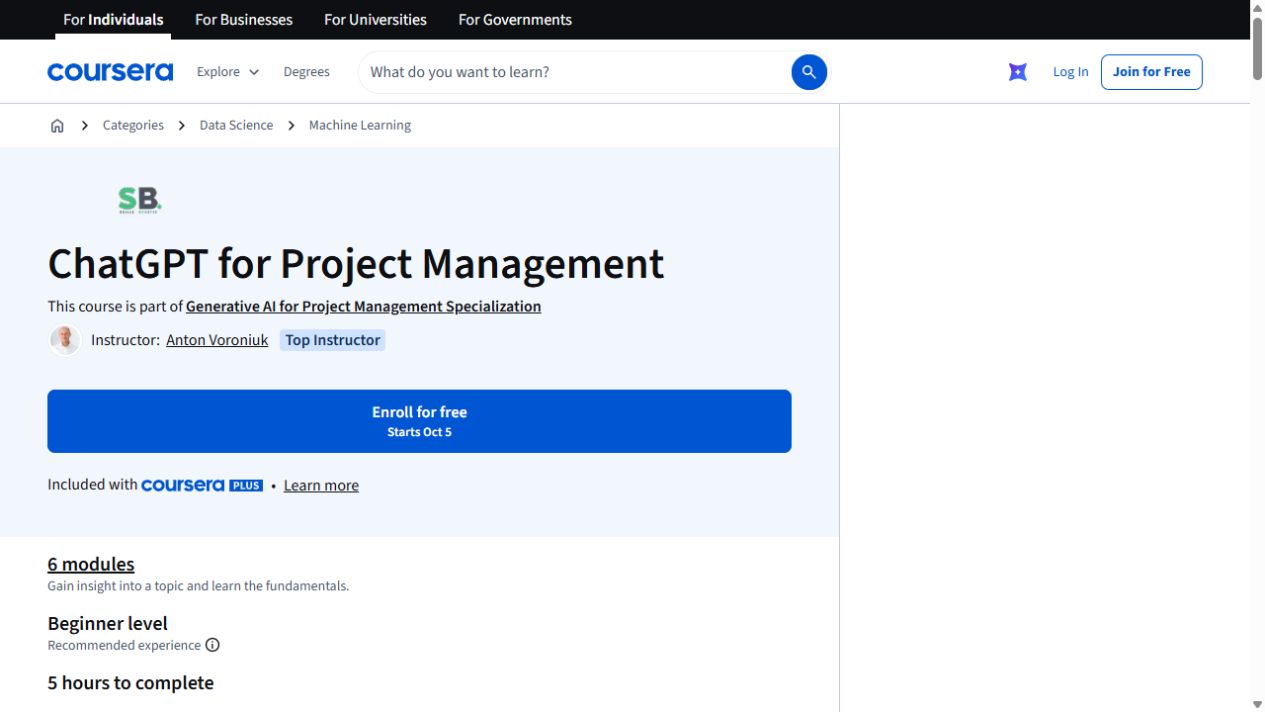
ChatGPT for Project Management
Use ChatGPT across a project: plan the work, think through risks, prepare stakeholder updates and build reusable GPT tools. This self-paced course takes about five hours.
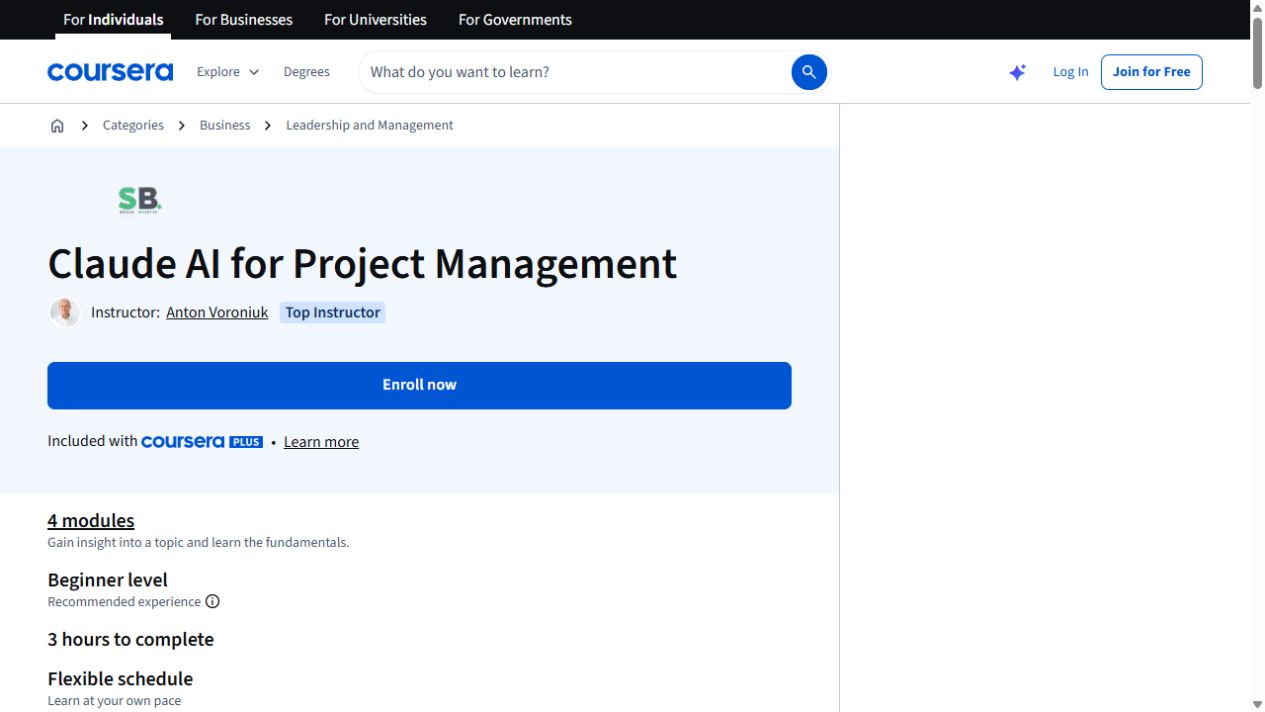
Claude AI for Project Management
Use Claude to turn project documents into plans, decision aids and useful updates. This three-hour course covers Claude, Cowork and Skills for project work.
Google Gemini for Project Management
Use Gemini to plan projects, schedule work and communicate with stakeholders, then complete an integration capstone.
Try this before you choose
Prepare fictional meeting notes with two owners, one dependency, a risk and a missing date. Compare each course's named output and checking method, then confirm platform access and the handoff before using live project details.
You might also find these helpful
Use AI for recurring reports
For a weekly or monthly report, a good method needs to work again when the data changes. Look for source refresh, stable definitions, totals, exceptions,…
Find your starting pointLearn Gemini for Google Workspace
If your work happens in Gmail, Docs, Sheets, Slides, Calendar or Meet, compare courses that practise Gemini inside Workspace with courses that teach general…
Find your starting pointUse desktop AI for files and reports
If the work involves receipts, folders or report packs, check exactly what an assistant can access and change. Renaming or moving files also calls for a way to…
Find your starting point