Find your starting point
Google NotebookLM for Beginners: Your AI Research Assistant covers setup, source uploads, questions and business-document examples. Master NotebookLM in 116 Minutes adds source curation, cited comparisons and structured reports. Both are recorded orientation courses.
Google Gemini NotebookLM Mastery - Prompts, Audio & AI Tools emphasizes reports, audio and visual overviews, sharing and output languages. NotebookLM Mastery: Organize, Analyze, and Optimize with AI adds knowledge management, action lists, shared-workspace routines and role plays. It names a free Google account. Master NotebookLM in 2 Hours also covers report and slide export, Perplexity, Gemini, Canva, language learning and recruiting.
The courses call for a Google account or computer access, but exact plans and available features can vary. Check whether you'll work with supplied sources or your own, and how the lesson handles documents that disagree.
Build a brief that shows where the facts came from
You have two fictional event documents. The planning brief estimates 80 attendees. A later registration update lists 70 confirmed attendees. The estimate and confirmed count answer different questions.
Try this prompt
Using these two documents, write a five-point event brief. Cite the supporting source for each factual point. Explain the difference between estimated and confirmed attendance. List any questions the documents do not answer.
What a useful answer includes
- The brief reports 80 estimated and 70 confirmed attendees with the right source for each.
- Opening each citation takes you to supporting text.
- A citation beside a claim is only useful if the passage actually supports it.
- Missing facts stay as questions.
- The brief does not invent a final headcount or explain why people have not registered.
Before you pick a course
- An introductory course may cover adding sources and asking questions.
- A research course may go further into comparing documents and checking citations.
- Look for a task you need: a cited brief, a comparison or an audio overview.
- A long feature tour may spend time on outputs you will not use.
- Check the source types, account requirements and features used in the exercises against the account you have.
Compare the courses
| Course | What you’ll do | Time | Cost and access |
|---|---|---|---|
| Google NotebookLM for Beginners: Your AI Research AssistantNaresh Kandra |
|
|
|
| Master NotebookLM in 116 Minutes: Smart Ways to Use itKate Pilch |
|
|
|
| Google Gemini NotebookLM Mastery – Prompts, Audio & AI ToolsAnup Naik Techeazyai |
|
|
|
| NotebookLM Mastery: Organize, Analyze, and Optimize with AIAnton Voroniuk |
|
| See course page for pricing. |
| Master NotebookLM in 2 Hours: AI ProductivityMohammadreza Lajevardi |
|
| See course page for pricing. |
Take a closer look
Google NotebookLM for Beginners: Your AI Research Assistant
Get familiar with NotebookLM source upload and organization and source-based questions and summaries.
Master NotebookLM in 116 Minutes: Smart Ways to Use it
This course focuses on NotebookLM source curation and workspace organization and cited questions and cross-source synthesis.
Google Gemini NotebookLM Mastery – Prompts, Audio & AI Tools
Organize sources in NotebookLM, then create reports, audio summaries and visual overviews.
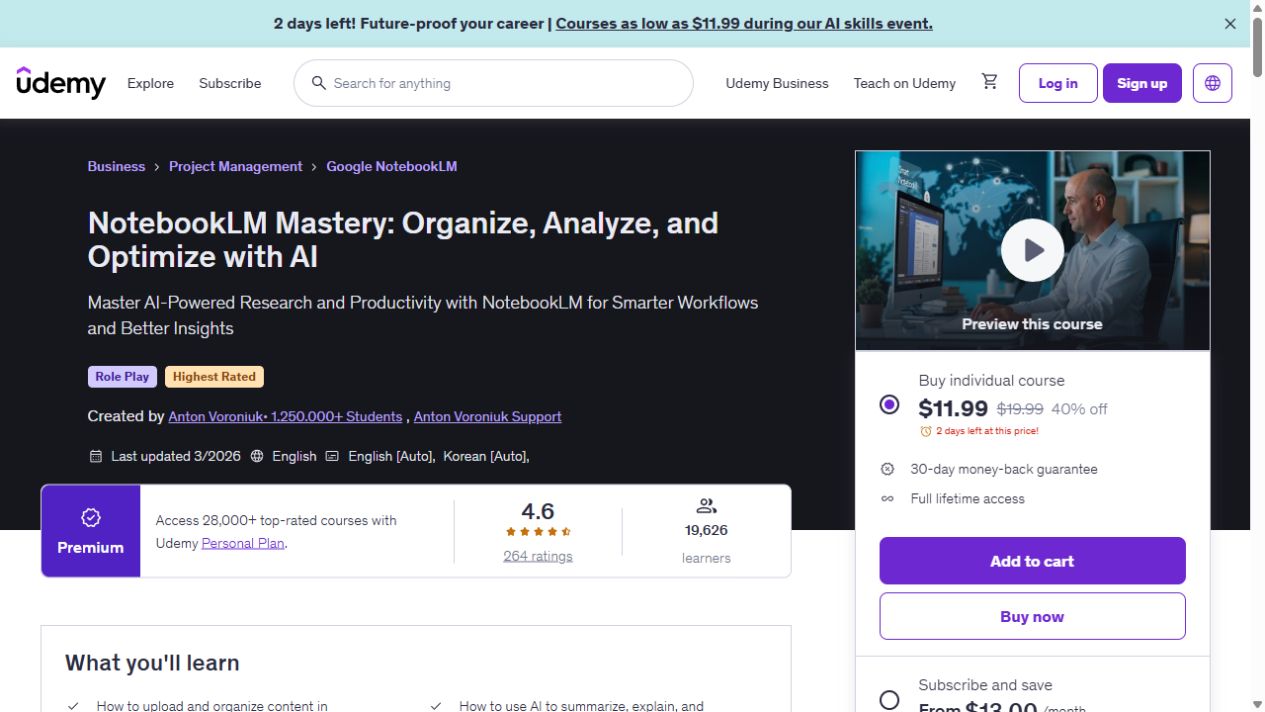
NotebookLM Mastery: Organize, Analyze, and Optimize with AI
Organize your material in NotebookLM, ask better questions and turn the answers into useful summaries.
Master NotebookLM in 2 Hours: AI Productivity
Use NotebookLM to select sources, ask questions and create reports and visual outputs, with examples in language learning and recruiting.
Try this before you choose
Pick two public documents that disagree on one point and decide what the report should look like. Compare how each course teaches source selection, citations, export and checking the original passages. Confirm account, sharing, language and access details.
You might also find these helpful
AI training for executive assistants
If you support a leader, a team or clients, start with the work you handle each week: inbox, calendar, meetings, travel, research, documents and confidential…
Find your starting pointAI courses for writing better emails
A course on AI email can teach a better draft, a useful thread summary or a way to move details into another app. Those are different jobs. Choose the course…
Find your starting pointAI courses for meeting notes and follow-ups
Good minutes capture decisions, owners, dates, open questions and follow-up. A shorter transcript is only one part of that job. Think about where your meetings…
Find your starting point