What you’ll learn
- Excel setup and core operations
- Functions
- Data preparation
- Copilot prompting
What does the learning look like?
- 26 assignments are listed across three modules.
Example to try
Make sense of a spreadsheet
- 01Start with
A small table of expenses
- 02Make a first pass
Clean data + a useful formula
- 03Make it yours
Check row counts and totals
Use a fictional example to practise the workflow.
Cost, access and setup
Course cost
- Check the course page for certificate pricing, free trials and options to study without a certificate.
- Listed as included in Coursera Plus. Check your subscription for access.
What you’ll need
- The listing explicitly requires a Microsoft 365 Copilot license.
How you’ll learn
- 2 weeks to complete
- Self-paced with flexible scheduling listed.
Certificate
- Course-completion certificate listed
Instructor
- LearnKartS
Keep exploring
Office workflowsMicrosoft
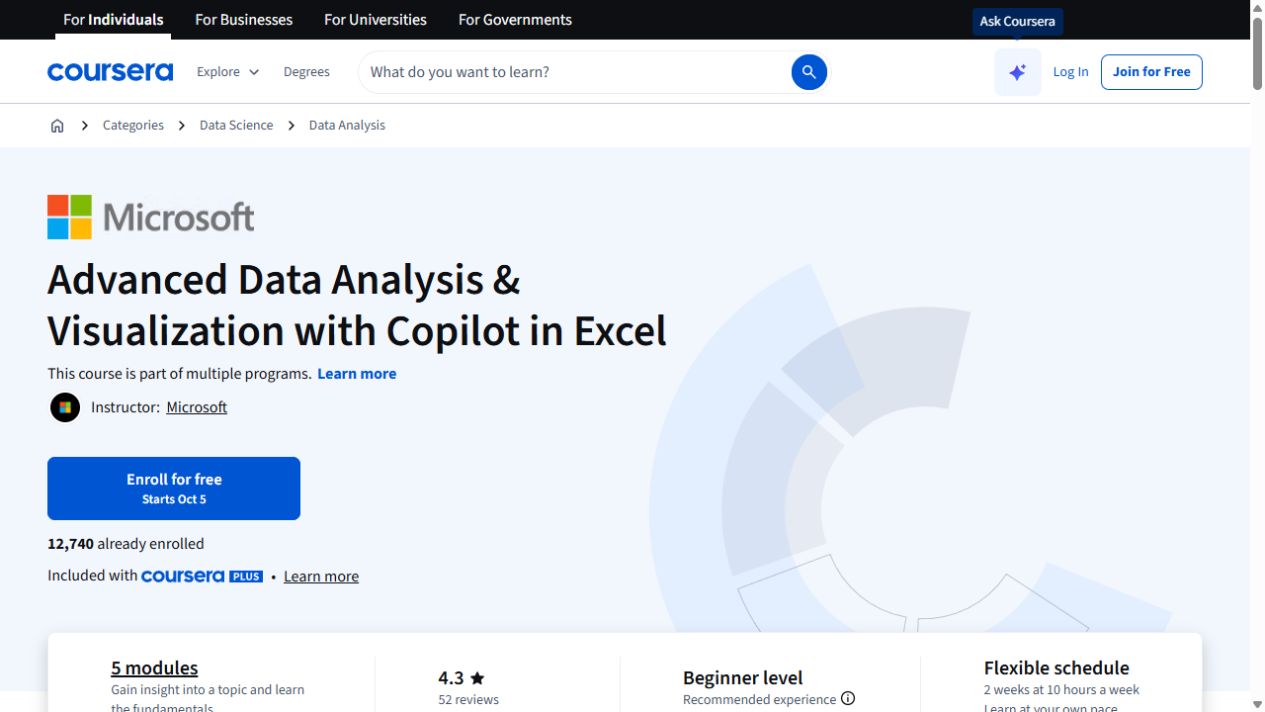
Advanced Data Analysis & Visualization with Copilot in Excel
Go further with Copilot in Excel: work with external data, explore statistics and build pivot visualizations.
Explore courseAvailable
Office workflowsMike Wheeler, Evan Wheeler, Aiden Wheeler
AI for Beginners @ Work - ChatGPT, Claude, Gemini + Copilot
Get familiar with comparing four chat assistants and free-account setup and workplace email, summaries, research and planning.
Explore courseAvailable
Office workflowsSkillsBooster Academy
AI-Powered Data Analysis with Microsoft Copilot
Use Copilot to clean data, explore it in natural language and create visual dashboards for business decisions.
Explore courseAvailable