Choosing a course
Some courses introduce a tool. Others go further into projects or agent building. Look at the examples, time commitment and setup to find a good starting point.
Explore the courses
AI for Reporting and Presentation Design
Turn a brief into a presentation outline, then work on deck drafts, chart checks, visual polish and speaker notes.
AI-Powered Data Analysis with Microsoft Copilot
Use Copilot to clean data, explore it in natural language and create visual dashboards for business decisions.
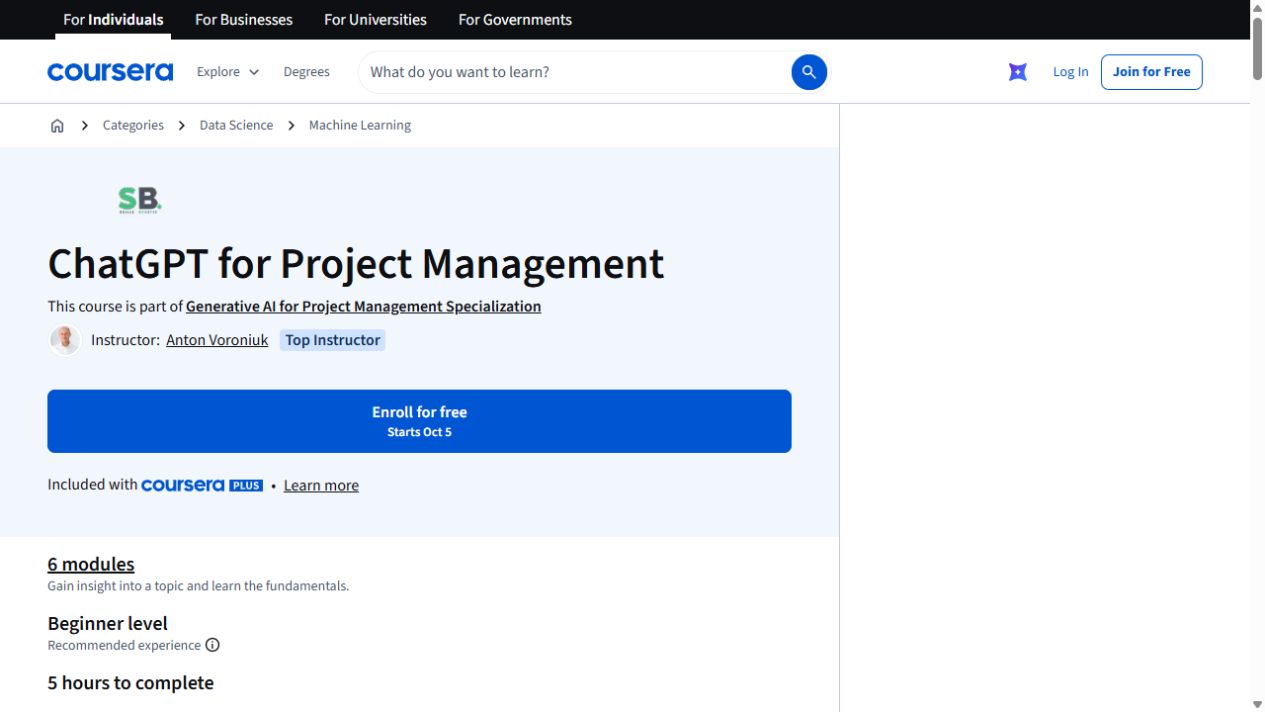
ChatGPT for Project Management
Use ChatGPT across a project: plan the work, think through risks, prepare stakeholder updates and build reusable GPT tools. This self-paced course takes about five hours.
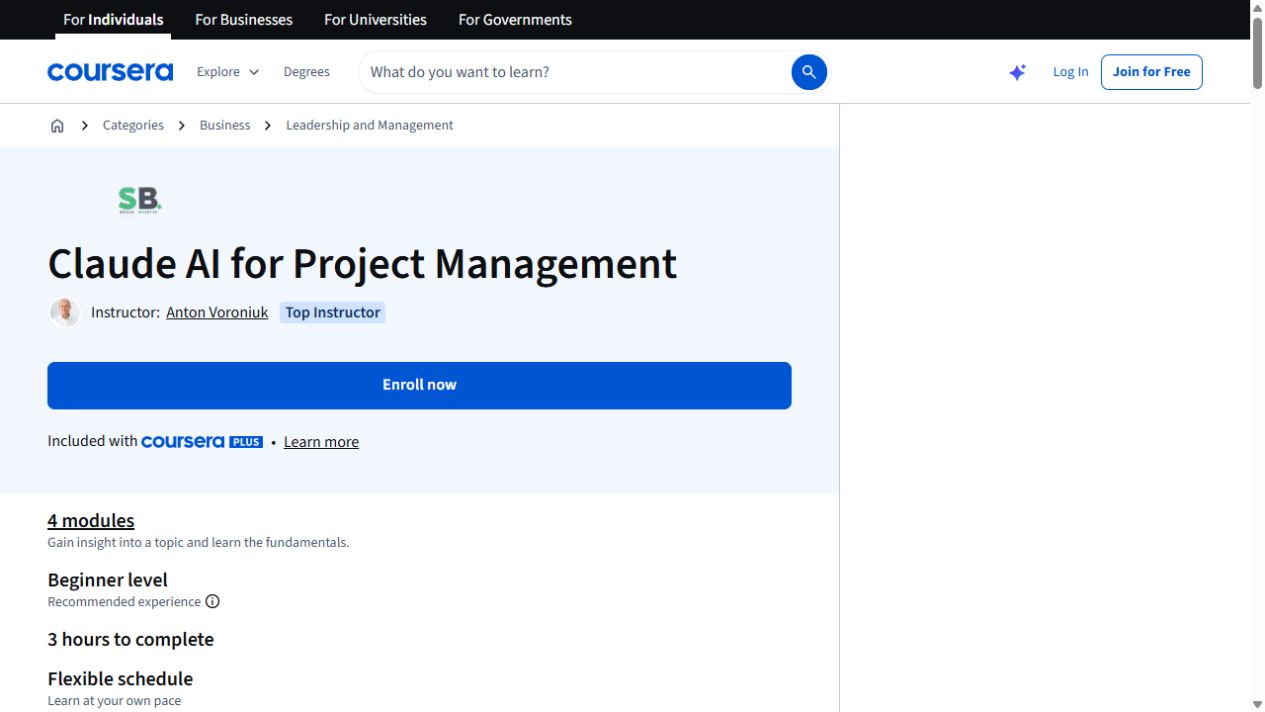
Claude AI for Project Management
Use Claude to turn project documents into plans, decision aids and useful updates. This three-hour course covers Claude, Cowork and Skills for project work.
Google Gemini for Project Management
Use Gemini to plan projects, schedule work and communicate with stakeholders, then complete an integration capstone.
Automate Monthly Reports with Copilot in Excel
Create a realistic monthly operations dataset in Excel Online, then use Copilot prompts to clean, format and structure it.
Microsoft Copilot for Excel
Use Copilot in Excel for calculated columns, data transformation, forecasts, dashboards and executive reporting.
AI Agents for Business Automation
Use AI agents to automate email and calendar work, then build research, content, Notion and customer-support workflows.
Microsoft Excel & Copilot: From Basics to AI
Build Excel skills and named ranges, then move through Copilot formulas and AI-assisted data analysis in a three-course sequence.
Google Gemini for Business
Use Gemini for business writing, meeting agendas, operations and analysis, then explore marketing and presentation workflows.
Claude AI in Excel for Business Professionals
Use Claude to create and repair Excel formulas, clean and transform data, then explore visuals, insights and strategic models.
Introduction to Microsoft Copilot for Beginners
Start with Copilot setup and everyday tasks, then practise prompts, meeting-note summaries, action lists and follow-through.
AI for Everyone for Work and Productivity
Explore ChatGPT and Gemini prompts, then apply them to workplace writing, email, memos, presentations and research.
Microsoft Copilot for Project Management
Use Copilot to create project plans, test assumptions and forecasts, prepare meetings, track risks and write executive briefs.
Workplace Automation with Generative AI
Learn AI and prompt basics, extract structured data, draft emails and meeting summaries, and build custom GPTs, Gems and Projects.
Introduction to Claude for Beginners
Get familiar with eleven modules compare Claude chat, Skills, Cowork, Design and Code and cover professional email, reports, proposals and meeting summaries.
ChatGPT Workspace Agents for Teams
Build ChatGPT Workspace Agents for files, shared memory and ongoing workflows, with examples from finance, sales, IT and CRM.
Introduction to Gemini for Beginners
Use Gemini for email, meeting action tables and project updates, then adapt drafts for social posts and refine images.