What you’ll learn
- Windows and Edge Copilot use
- Prompting and document/Office assistance
- Version differences and Copilot Studio
What does the learning look like?
- Step-by-step product demonstrations are listed
Example to try
Connect a repeated task
- 01Start with
A message, form or new file
- 02Make a first pass
A useful record in the next app
- 03Make it yours
Review the result before saving or sending
Use a fictional example to practise the workflow.
Cost, access and setup
Course cost
- Check the course page for current pricing and software requirements.
Check whether tax is included.
What you’ll need
- A Windows PC is requested.
How you’ll learn
- 3h 55m of video
- Recorded online lessons listed.
Keep exploring
Office workflowsSteve Ballinger, MBA
Copilot Microsoft 365 (Copilot AI + Excel, Word, PowerPoint)
See how Copilot helps with Excel reports and formulas, Word and PowerPoint drafts, Outlook messages and Teams summaries.
Explore courseAvailable
Office workflowsVinay Kumar
Microsoft 365 Copilot: Enterprise Productivity Masterclass
In this masterclass, explore enterprise prompt design and reusable prompt libraries and documents, spreadsheet models and presentations.
Explore courseAvailable
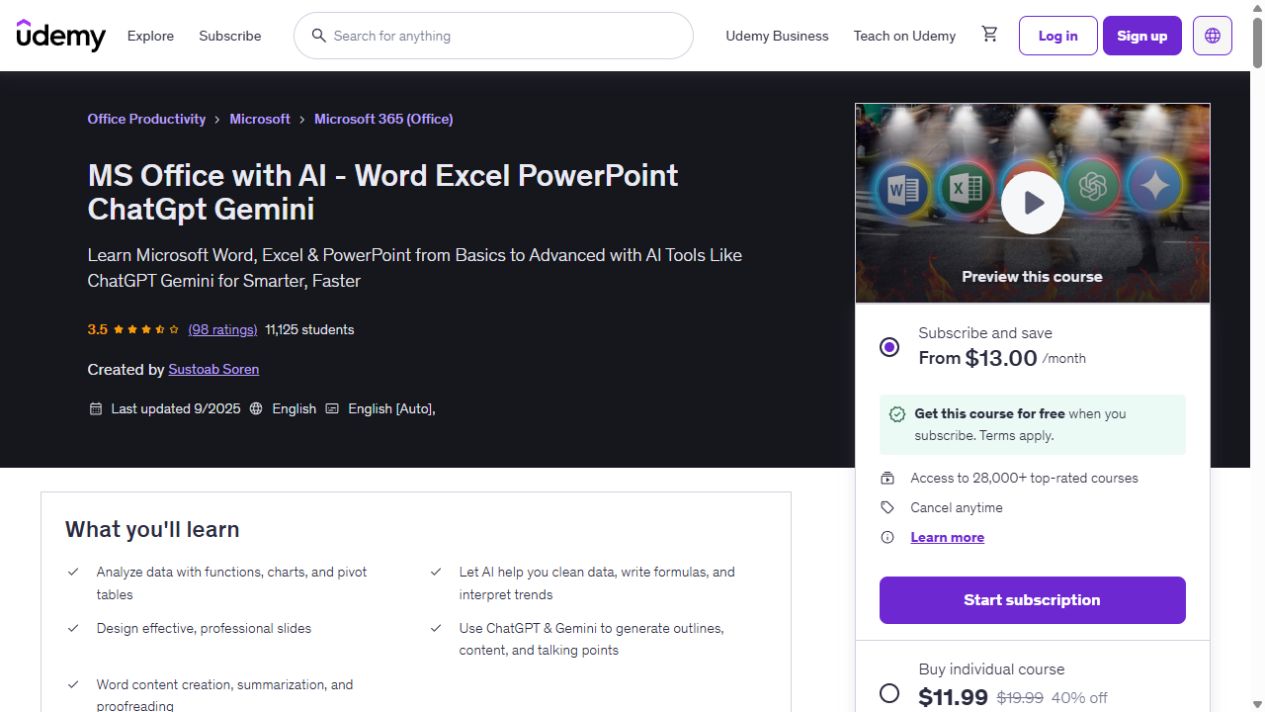
Office essentialsSustoab Soren
MS Office with AI - Word Excel PowerPoint ChatGpt Gemini
Build your Word, Excel and PowerPoint skills, with examples that bring in ChatGPT and Gemini for data cleaning, document summaries and presentation work. The course has 9h 14m of video. AI…
Explore courseAvailable